
 US only
 Thumbtack Integration with Automatic Lead Replies
A new Thumbtack inquiry can arrive while your hands are full. Workly helps send an automatic first reply, so the customer hears from your business while you finish the task in front of you.
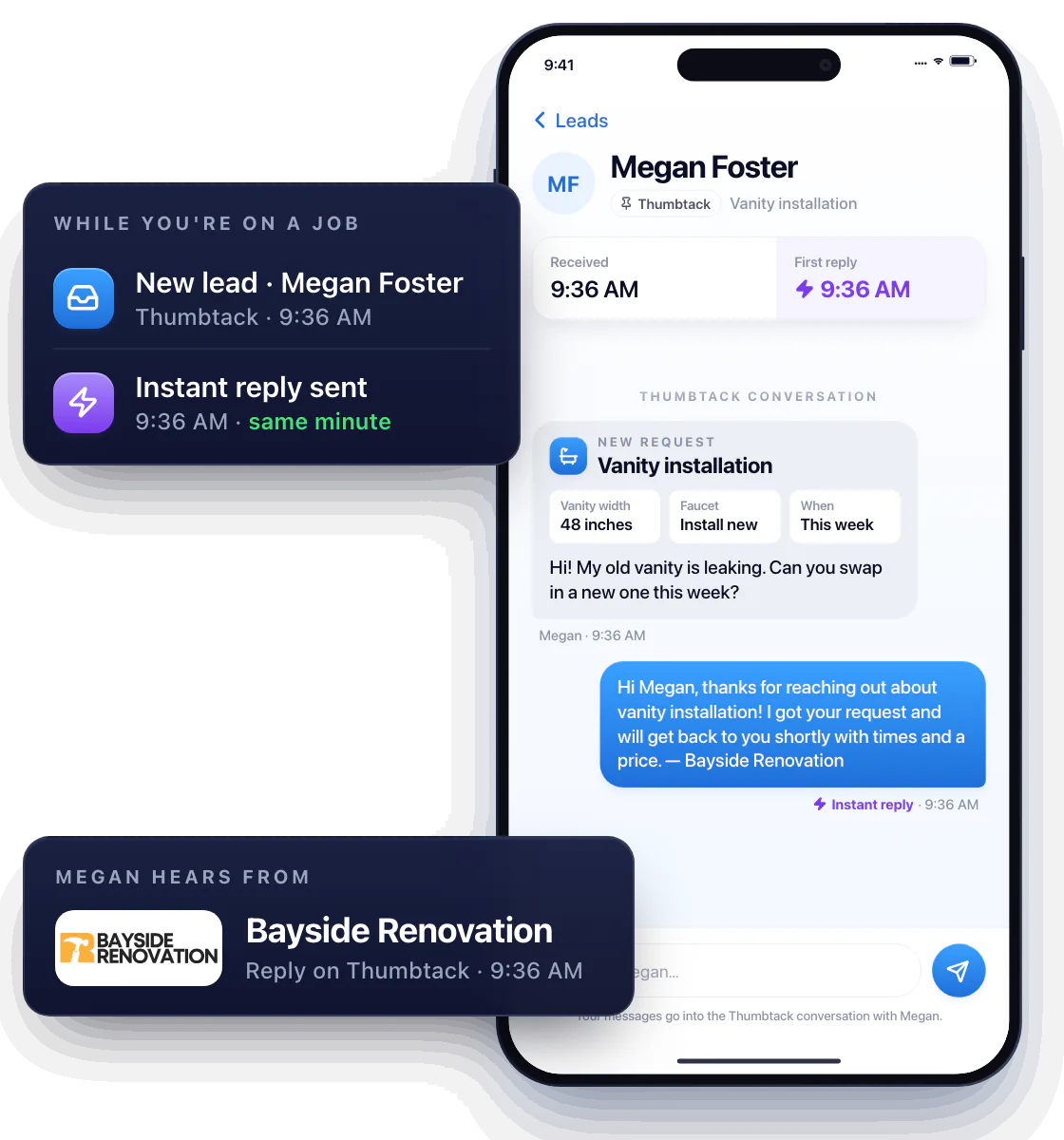
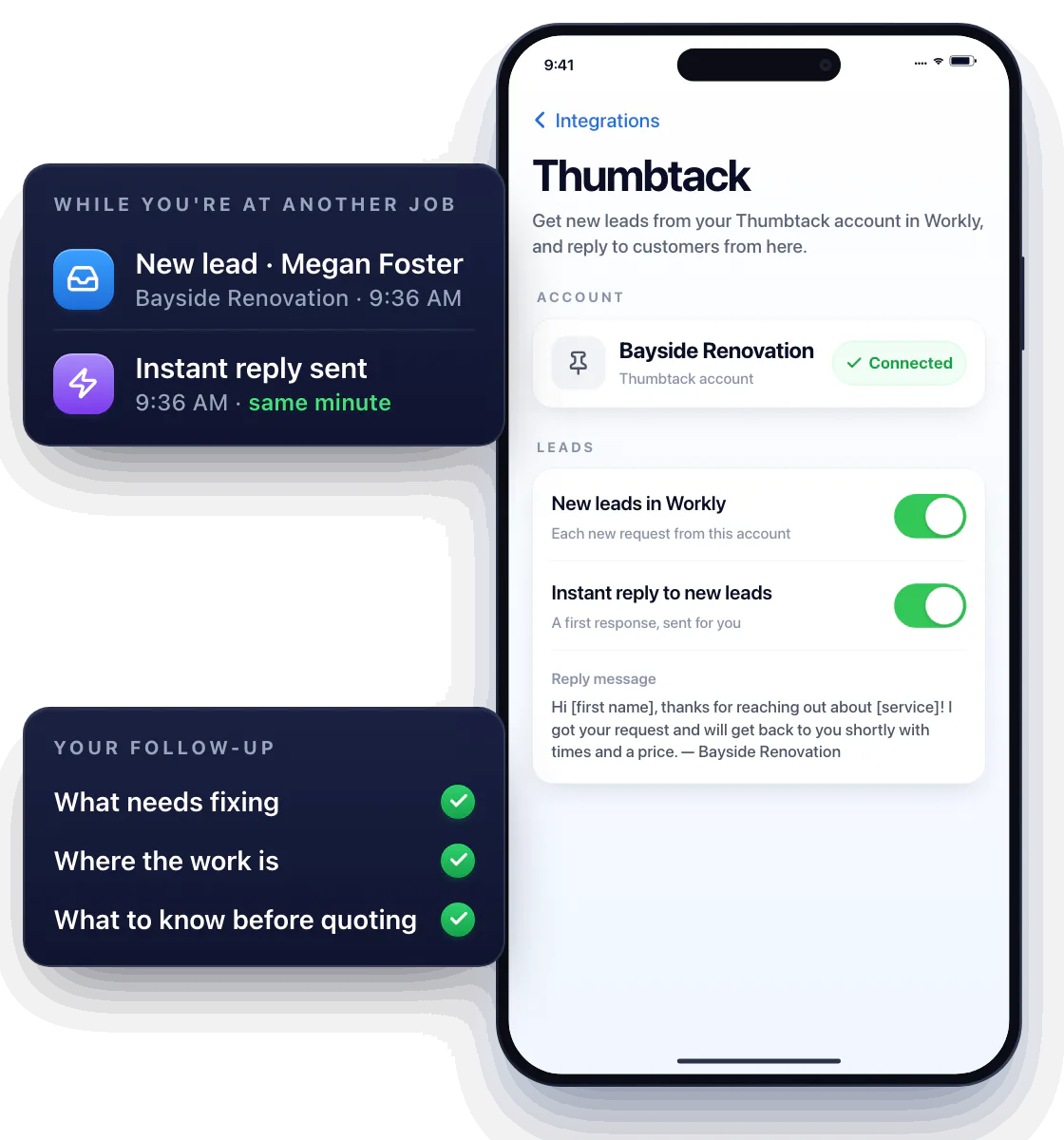
Connect the Thumbtack account you use for leads
Use the Workly Thumbtack integration for inquiries from that account. The first response gives a prospective customer a starting point for the conversation while you are working at another property.
Keep your own follow-up focused on the request: what needs fixing, where the work is, and what you need to know before quoting.
Give a new lead a useful first response
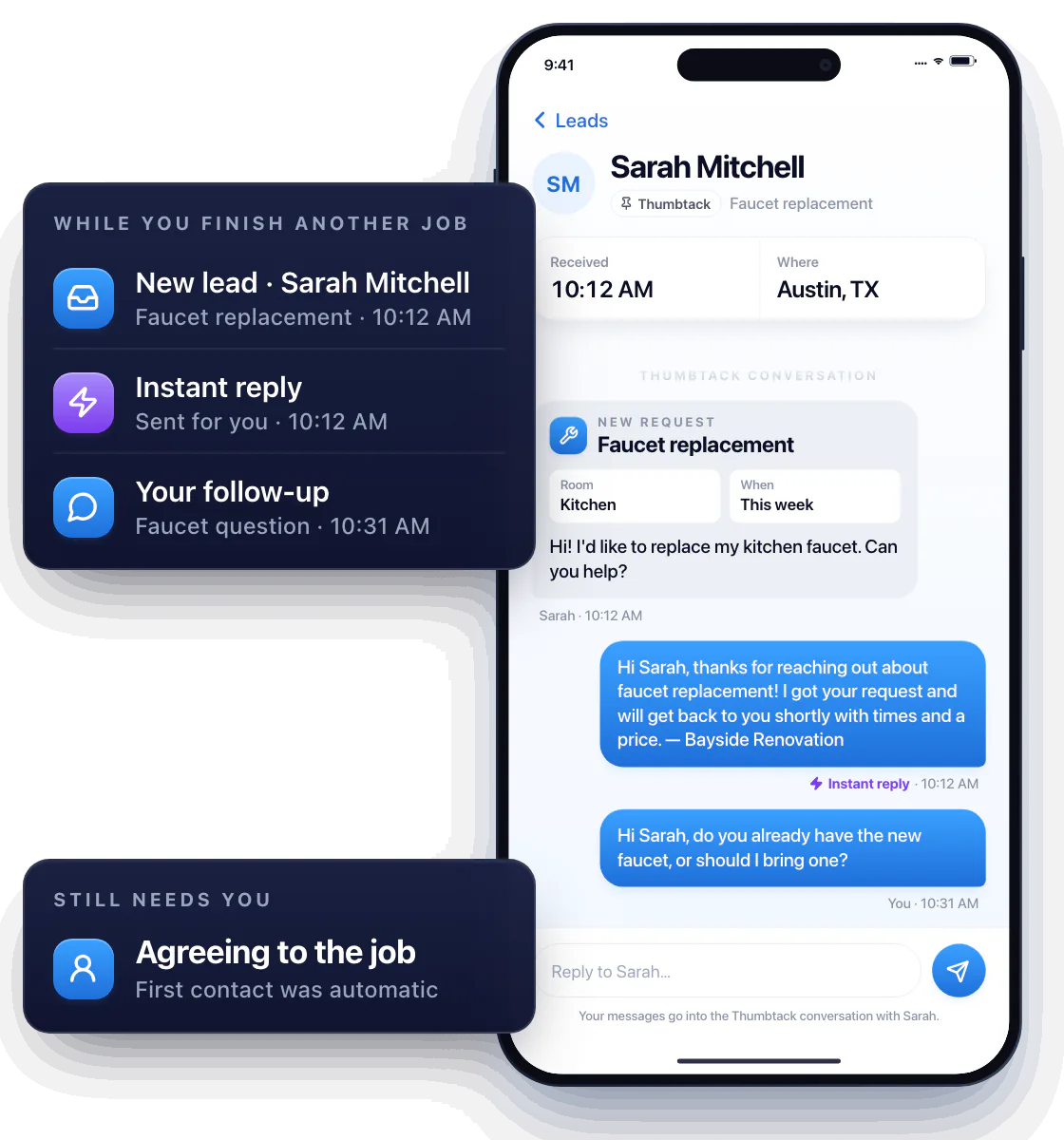
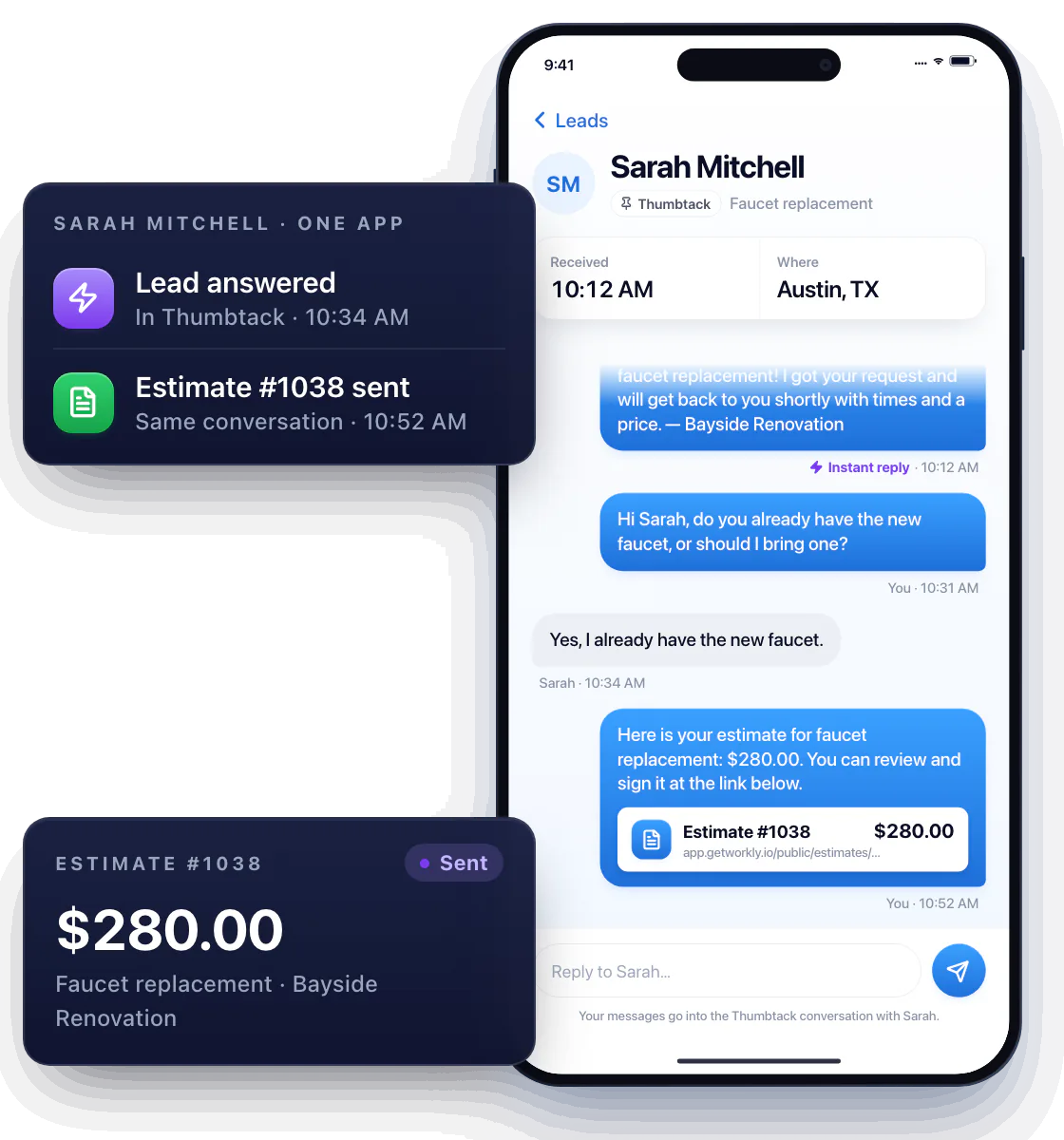
Suppose a customer asks about replacing a kitchen faucet while you are finishing another job. An initial reply can acknowledge the request and start the conversation.
You then confirm whether the customer already has the fixture and discuss the work yourself. Automatic replies help with first contact; agreeing to the job still needs your attention.
Take an agreed request through your regular workflow
Once you understand the job, prepare an estimate and agree on a visit. Use the details you have confirmed with the customer to describe the scope.
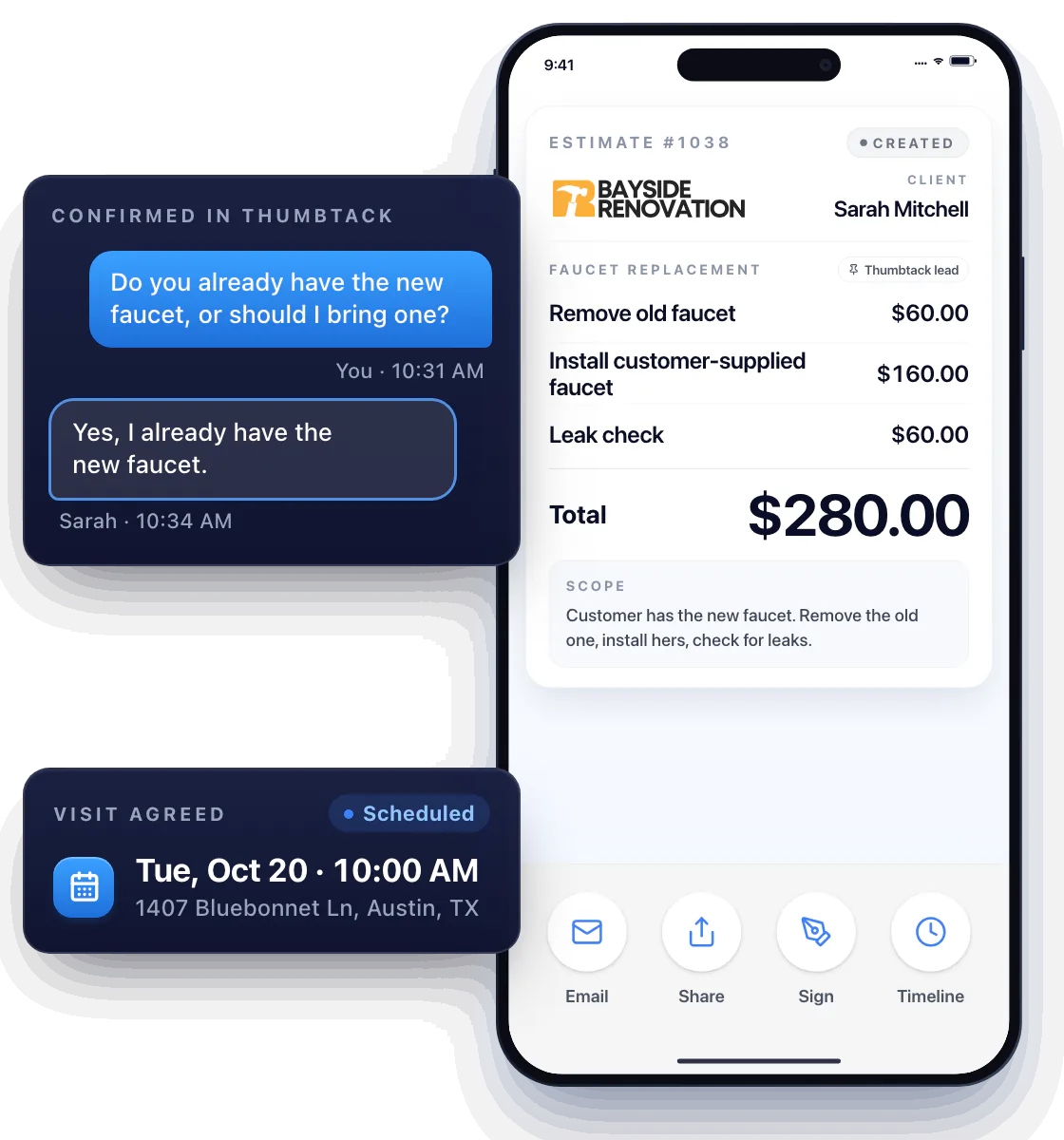
Handle the paperwork in the same app
Workly brings these tasks into the same app. You can respond to the opportunity and then handle the paperwork for the work you agree to do.
Questions about Thumbtack lead replies
Does Workly support automatic replies to Thumbtack leads?
Yes. Automatic replies are available in the context of the Thumbtack integration.
Can the feature answer my business phone?
This integration handles Thumbtack lead replies. It does not provide phone answering or a voice receptionist.
Does an automatic reply book the job?
You still need to confirm the customer’s needs and agree on the work and visit.