
Estimate App for Contractors
Put together a clear, itemized estimate on site or on the go. Get it signed on your phone right there, or send it in a tap and let the customer sign from theirs — before the competition even calls back. Workly is an estimate app for contractors who price the work quickly and keep the scope in writing.
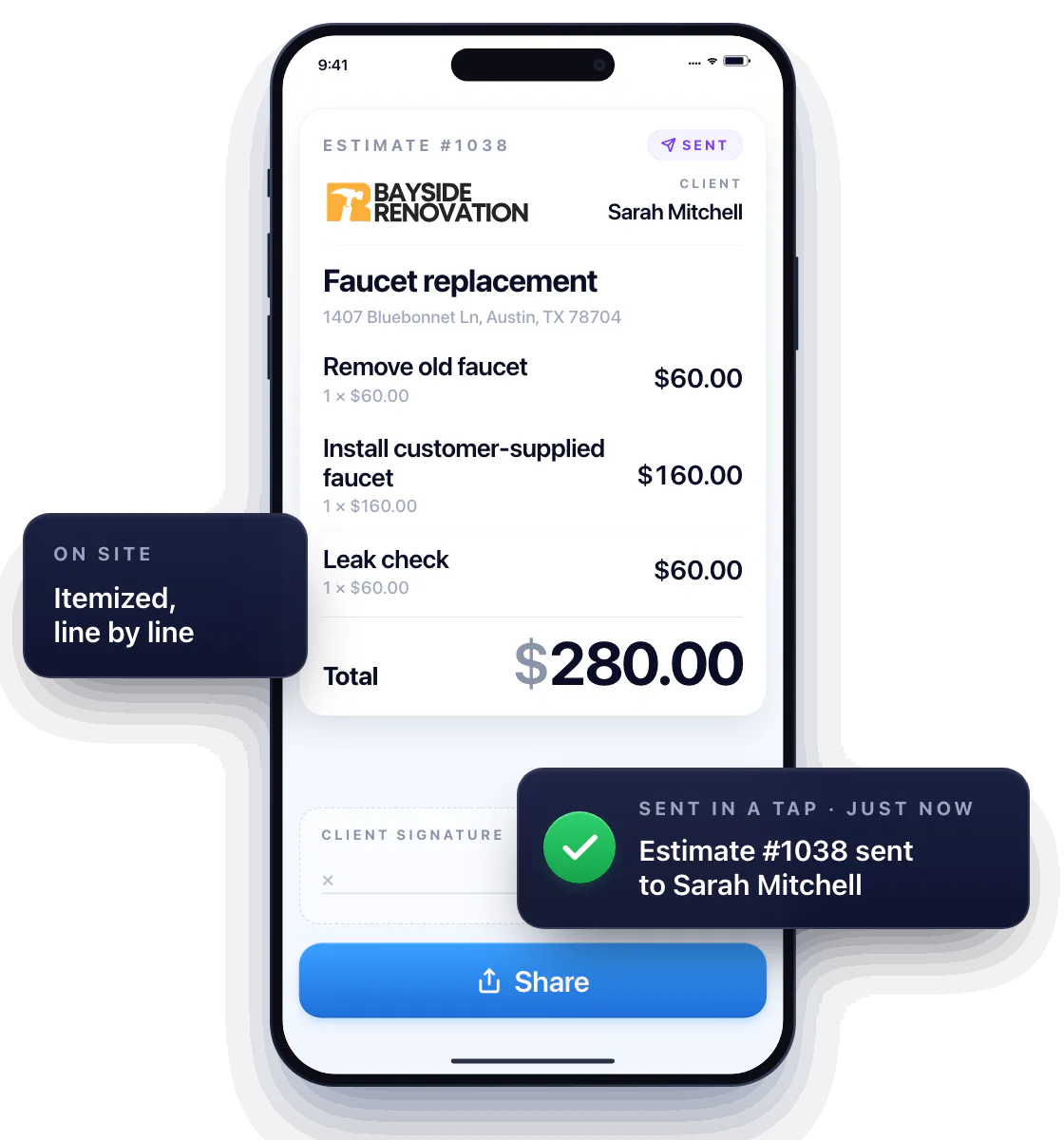
Build a quote the customer says yes to
Add your line items, check the total, send. The customer sees the service, the price and exactly what you’ll do — no “what’s this charge for?” calls, no haggling over a number scribbled on a card.
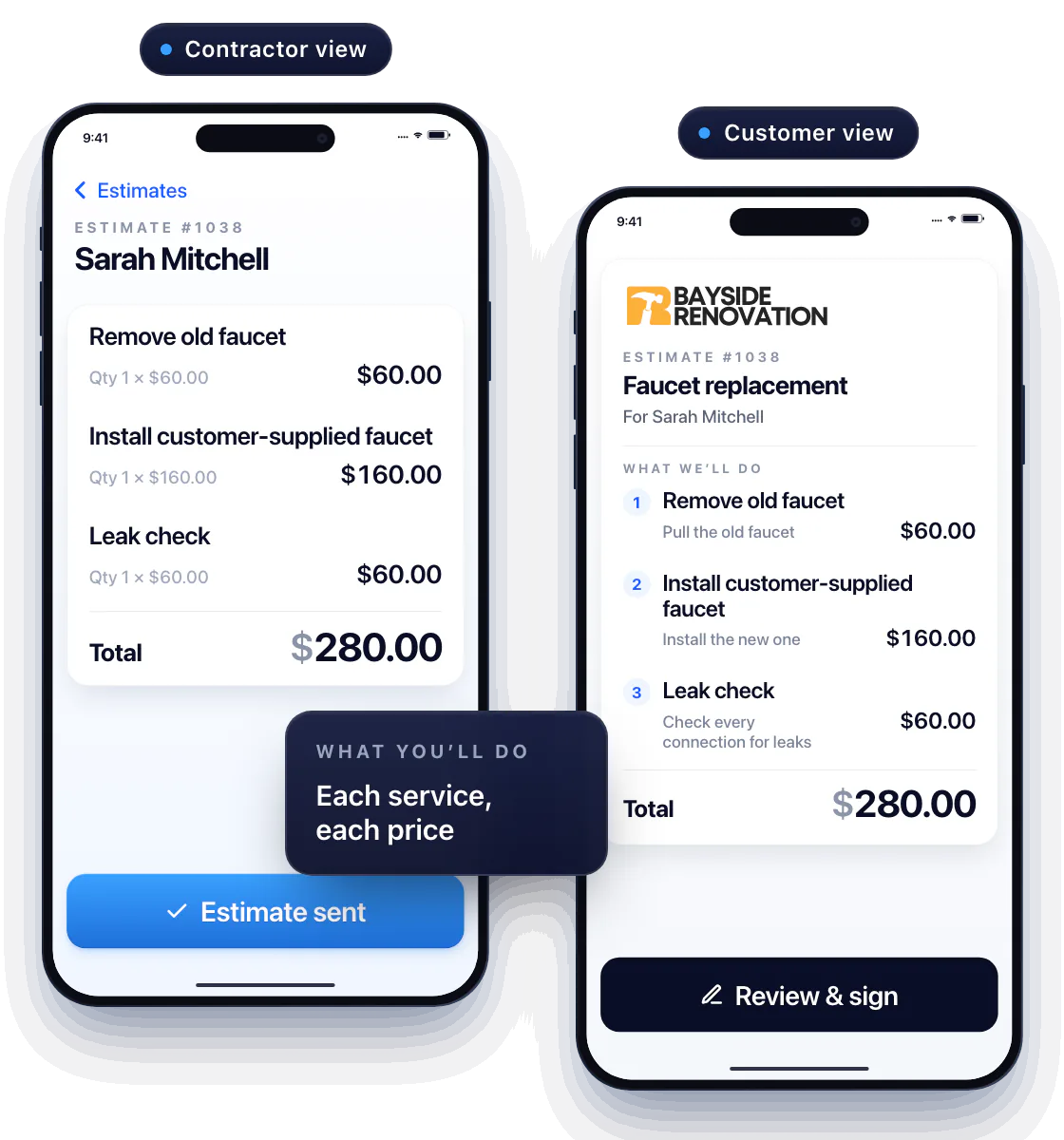
Use the estimate as a job checklist
List the tasks the customer is approving: pull the old faucet, install the new one, check every connection for leaks. Repeat services come straight from your price book, so you’re not retyping what you charged last time.
Get it in writing before you pick up a tool
Have the customer sign right on your phone, or send the estimate and let them sign from theirs. Price and scope are agreed before the job starts — no “that’s not what we talked about” when the bill comes.
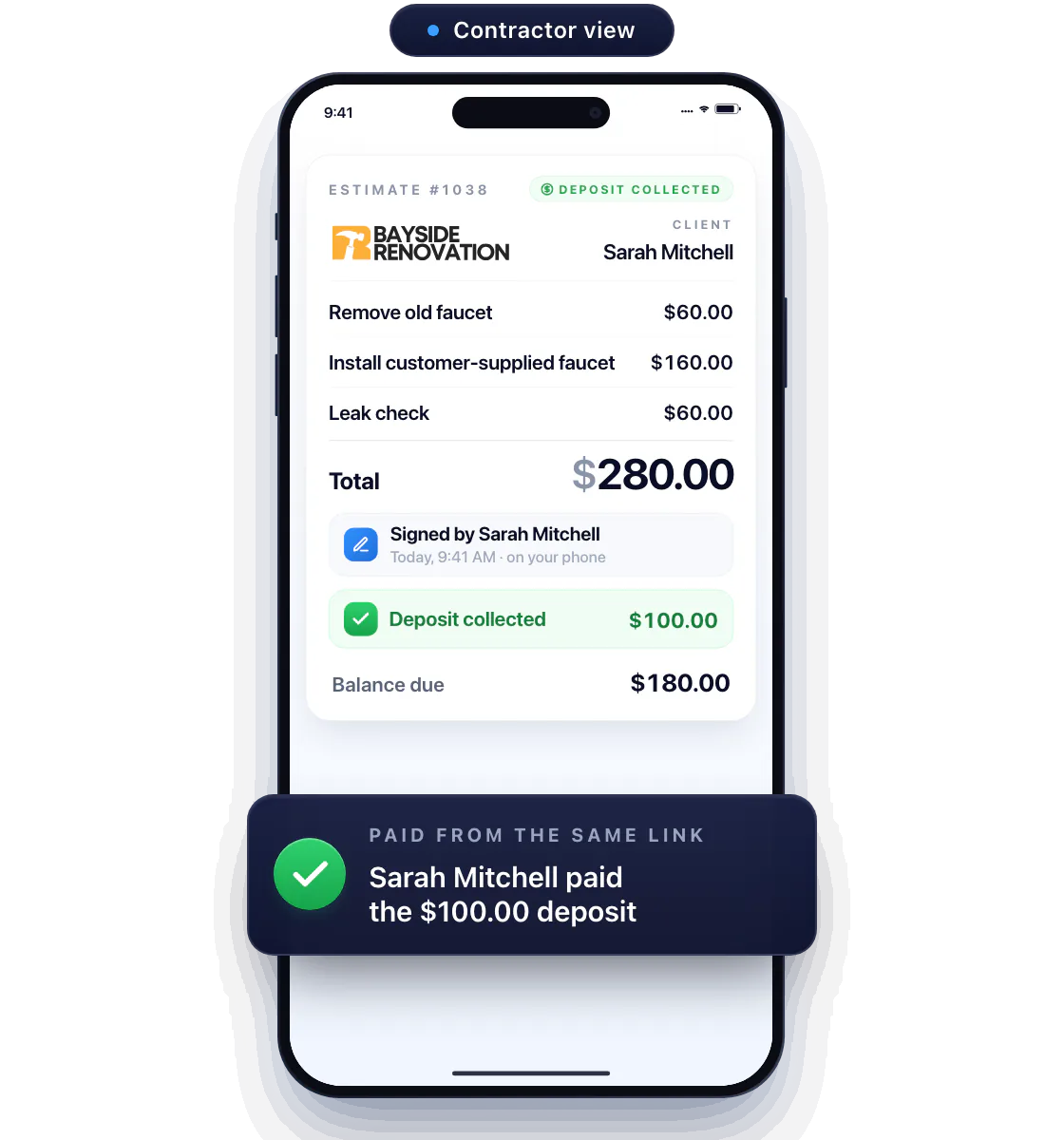
Need materials or a day blocked out? Request a deposit on the estimate. The customer sees what it’s for and pays it from the same link — the estimate flips to Deposit collected before you spend a dollar.
Job’s done? Your invoice already is.
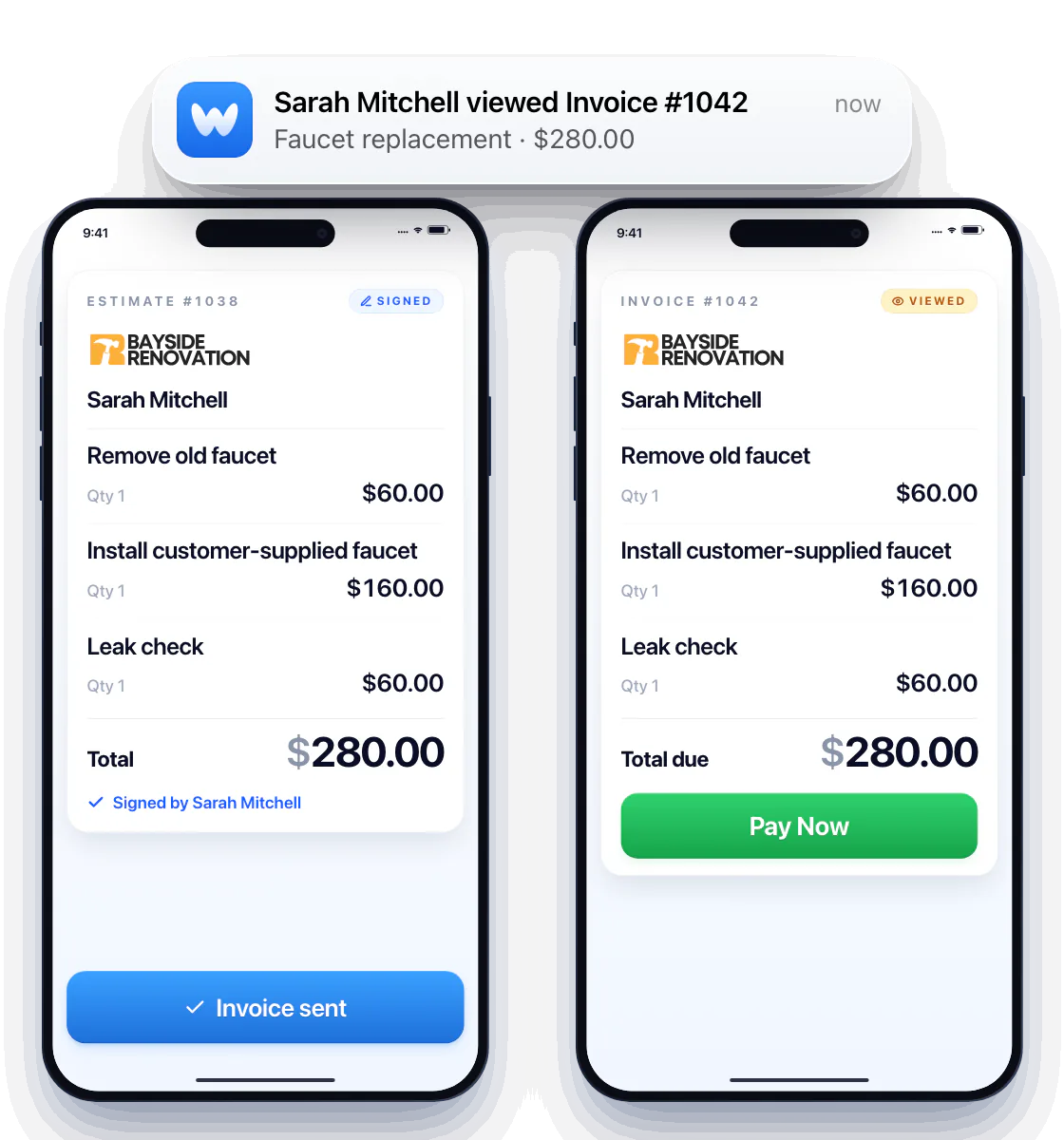
Open the signed estimate, tap Convert, and it’s an invoice — same line items, same prices, ready to send with a Pay Now button.
Add what changed, then send
Added a shutoff valve mid-job? Edit the line and send. And the moment the customer opens the estimate or the invoice, you get a notification and the status flips to Viewed — so you follow up while it’s fresh, not three days later.
Not sure what to charge? Workly’s AI checks the service and your location and shows the range the job should land in — or drafts the whole estimate from a one-line job description. AI estimating
Questions about estimates
Can I create estimates on my iPhone?
Yes. Build and send estimates in the Workly app at the job site or between visits — no laptop, no PDF juggling.
Does Workly support signatures?
Yes. The customer signs on your phone when you’re together, or online from their own phone when you’re not.
Do I need AI to make an estimate?
No. Build it yourself, start from your price book, or let AI draft it and check the price — you decide what goes to the customer.
What if the customer goes quiet?
Every estimate carries its status: Sent, Viewed, Signed, Deposit collected, Paid. The ones stuck at Viewed are easy to spot, and the customer’s number is one tap away in their record.