
Invoicing Software for Contractors
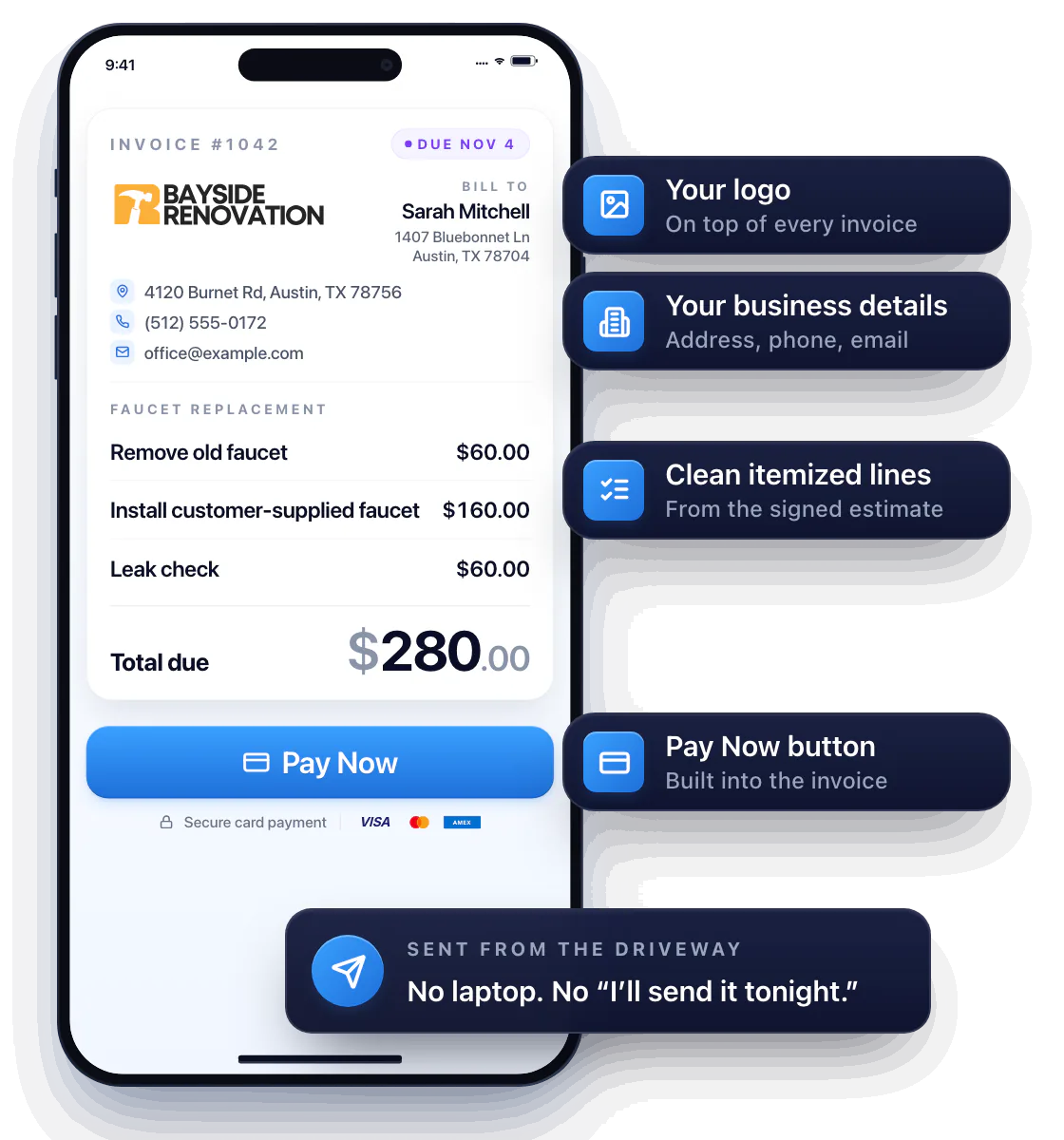
Job’s done? Send the invoice before you leave the driveway. Workly turns the signed estimate into a clean, itemized invoice with your logo and a Pay Now button — no laptop, no “I’ll send it tonight.”
Look like a real business — and get paid like one
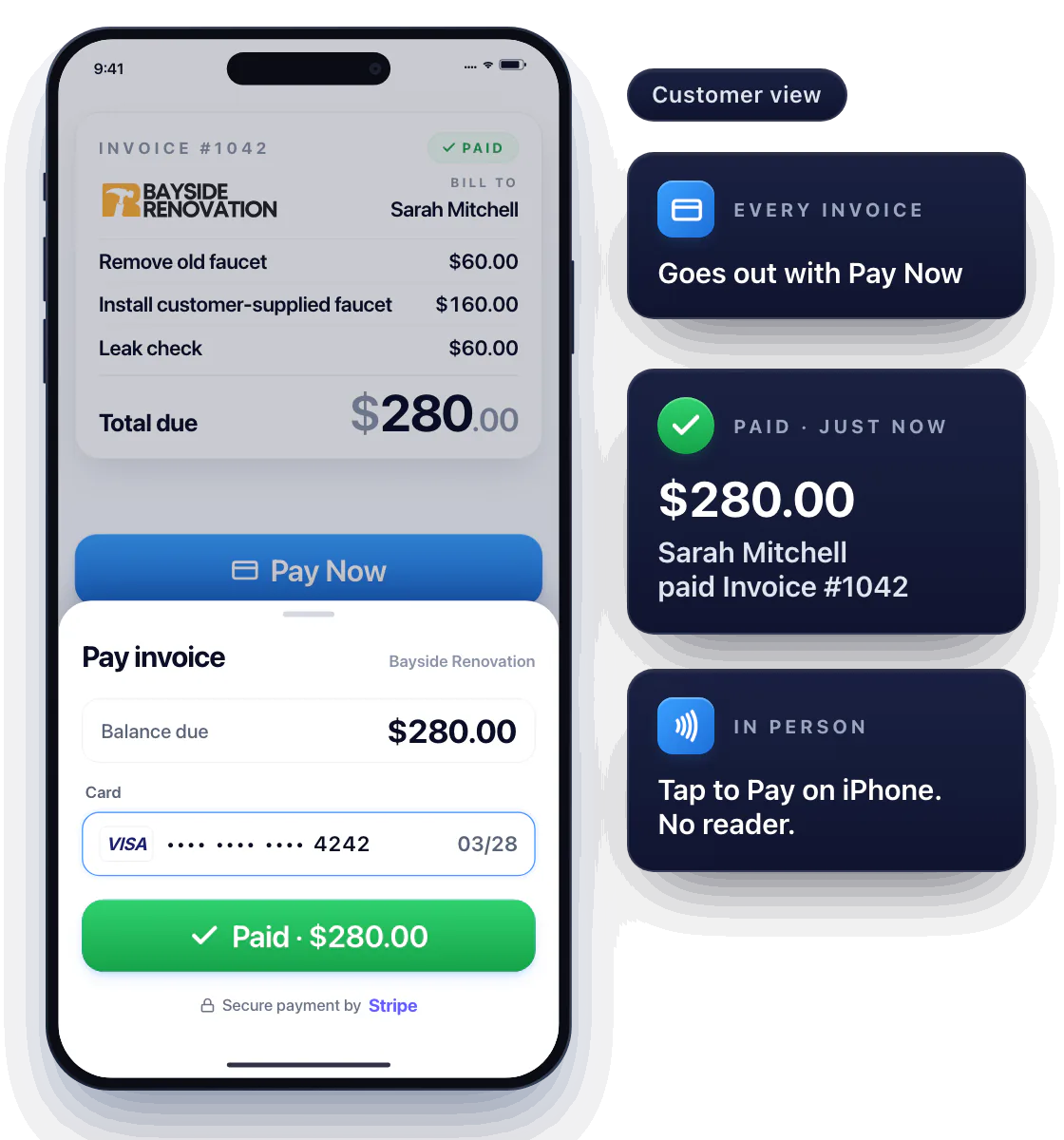
Your logo, your business details, clean itemized lines and a Pay Now button. Customers don’t question a professional invoice, and they don’t haggle with it either.
Use the invoice as a work checklist
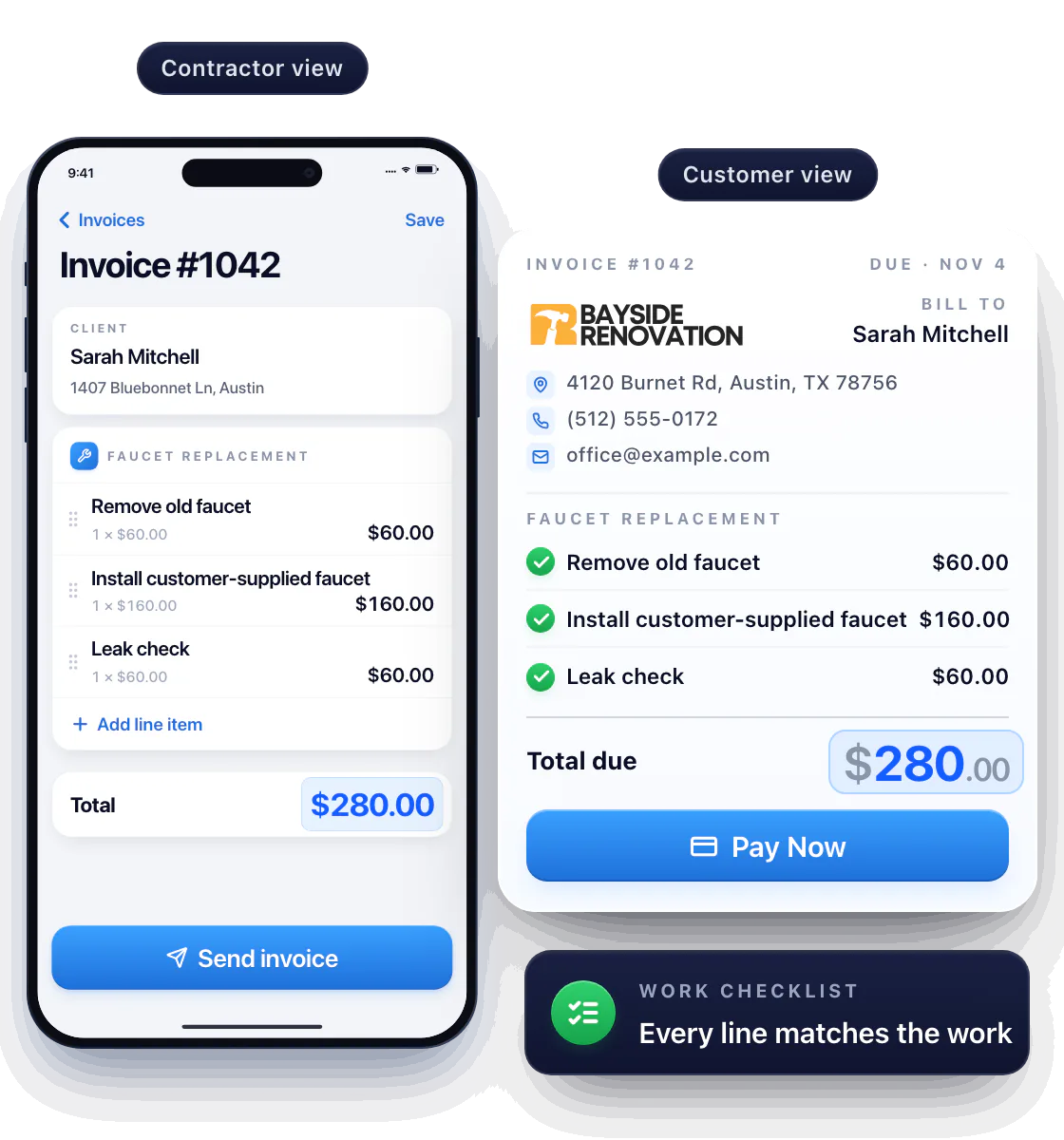
List what you did — pulled the old faucet, installed the new one, leak-checked both lines — so the customer matches every line to the work and the total explains itself.
Job’s done? Your invoice already is.
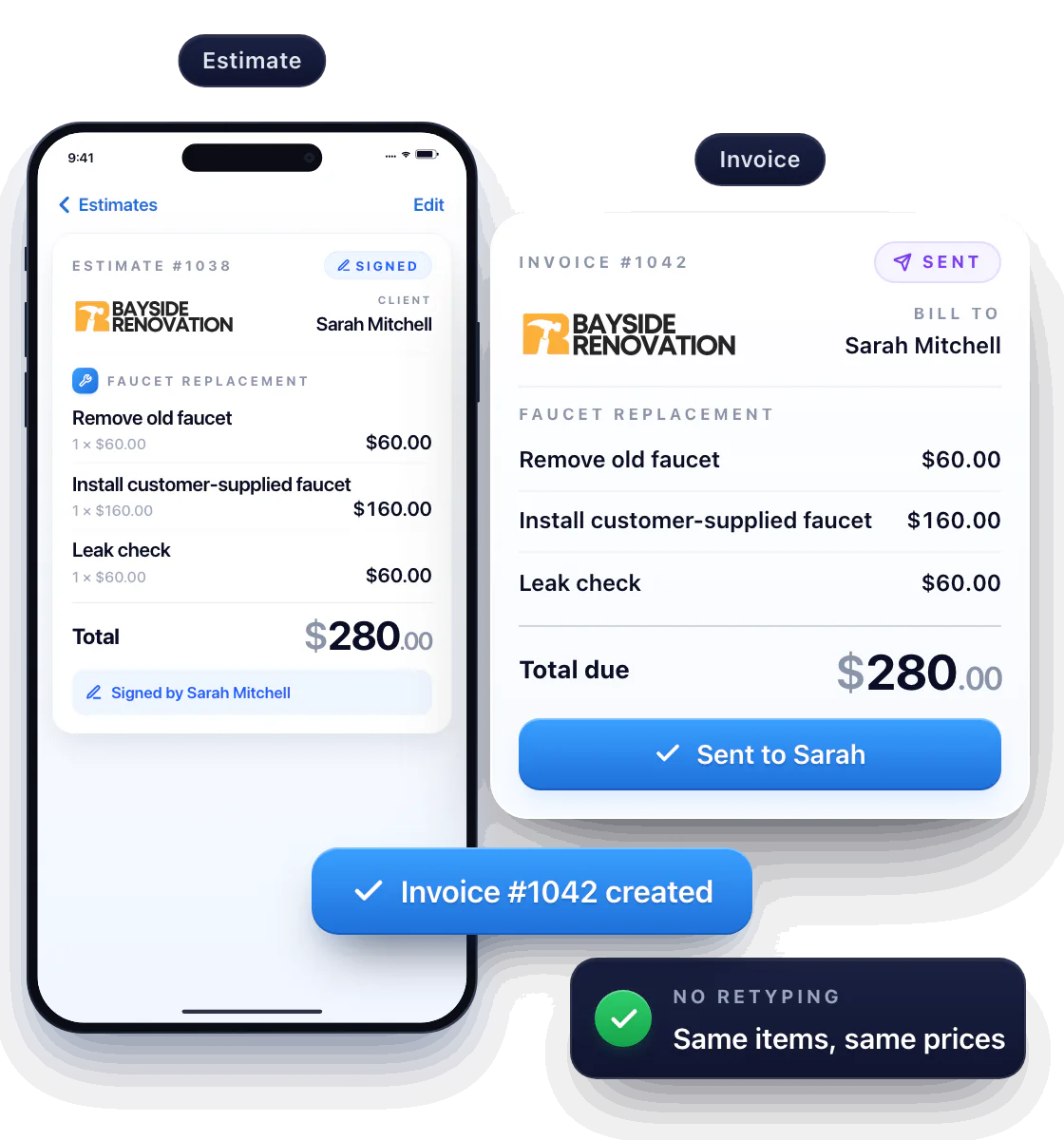
Open the estimate the customer signed, tap Convert, and it’s an invoice — same line items, same prices. Change what changed, send.
Keep estimates and invoices in one app
No retyping, no “that’s not the number you quoted.” The customer sees the scope they signed and the price they agreed to.
Know the second they open it
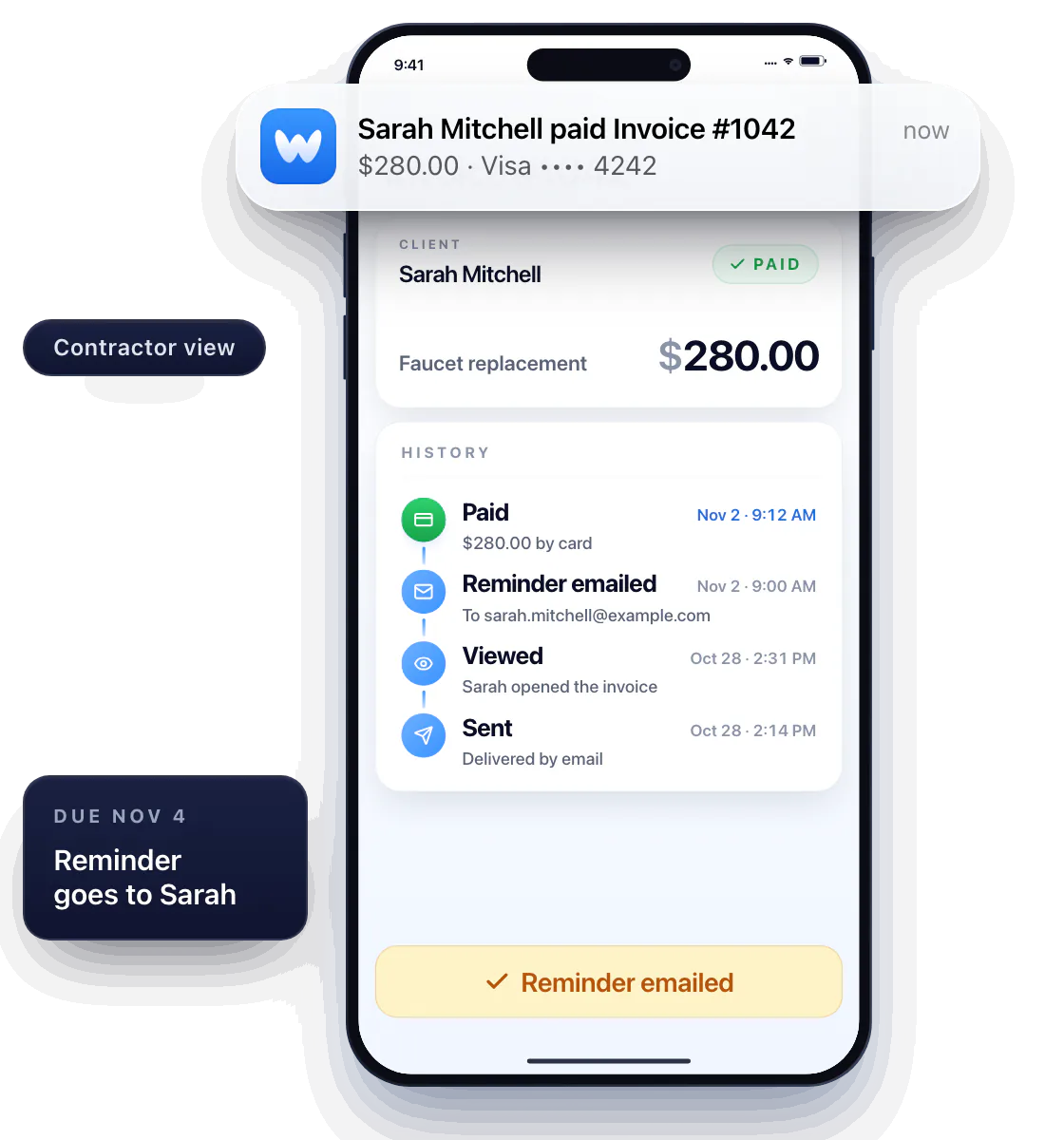
The moment the customer opens the invoice, you get a notification and the status flips to Viewed. Paid? You see it land before they’ve put the phone down.
Still unpaid as the due date nears? Send an email reminder straight from the invoice. Alerts tell you what happened; reminders go to the customer.
Get paid on the spot — or the moment they open it
Every invoice goes out with a Pay Now button; the customer pays by card from their phone in seconds. Standing together at the end of the job? Take the card right on your iPhone with Tap to Pay on iPhone — no reader.
Payments run through Stripe. Payments covers deposits and the in-person options.
Questions about invoicing
Can I send invoices from my phone?
Yes. Build and send invoices in the Workly iPhone app — at the customer’s kitchen table or in the truck afterwards.
Can I turn an estimate into an invoice?
Yes. One tap converts the signed estimate into an invoice with the same lines and prices; edit anything that changed before you send.
Can customers pay an invoice online?
Yes. Every invoice has a Pay Now button; the customer pays by card from their phone, and you get a notification the second it lands.