
AI Estimate Generator for Contractors
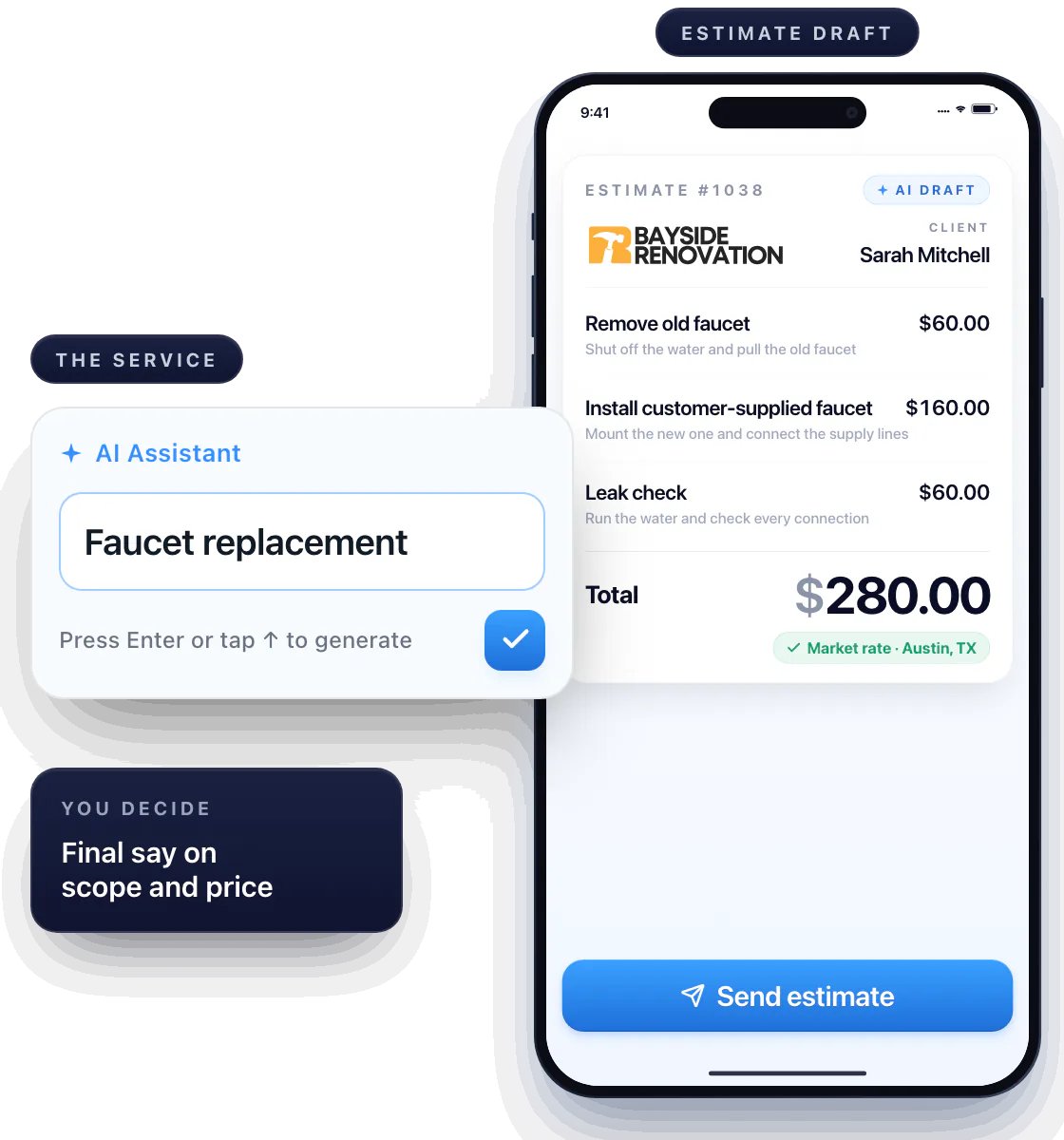
Type the name of the service — “Faucet replacement” — and get a draft estimate back: the job broken into steps, each step described and priced for your market. Workly’s AI estimating software gives you a real starting point; you keep the final say on scope and price.
Every step, spelled out
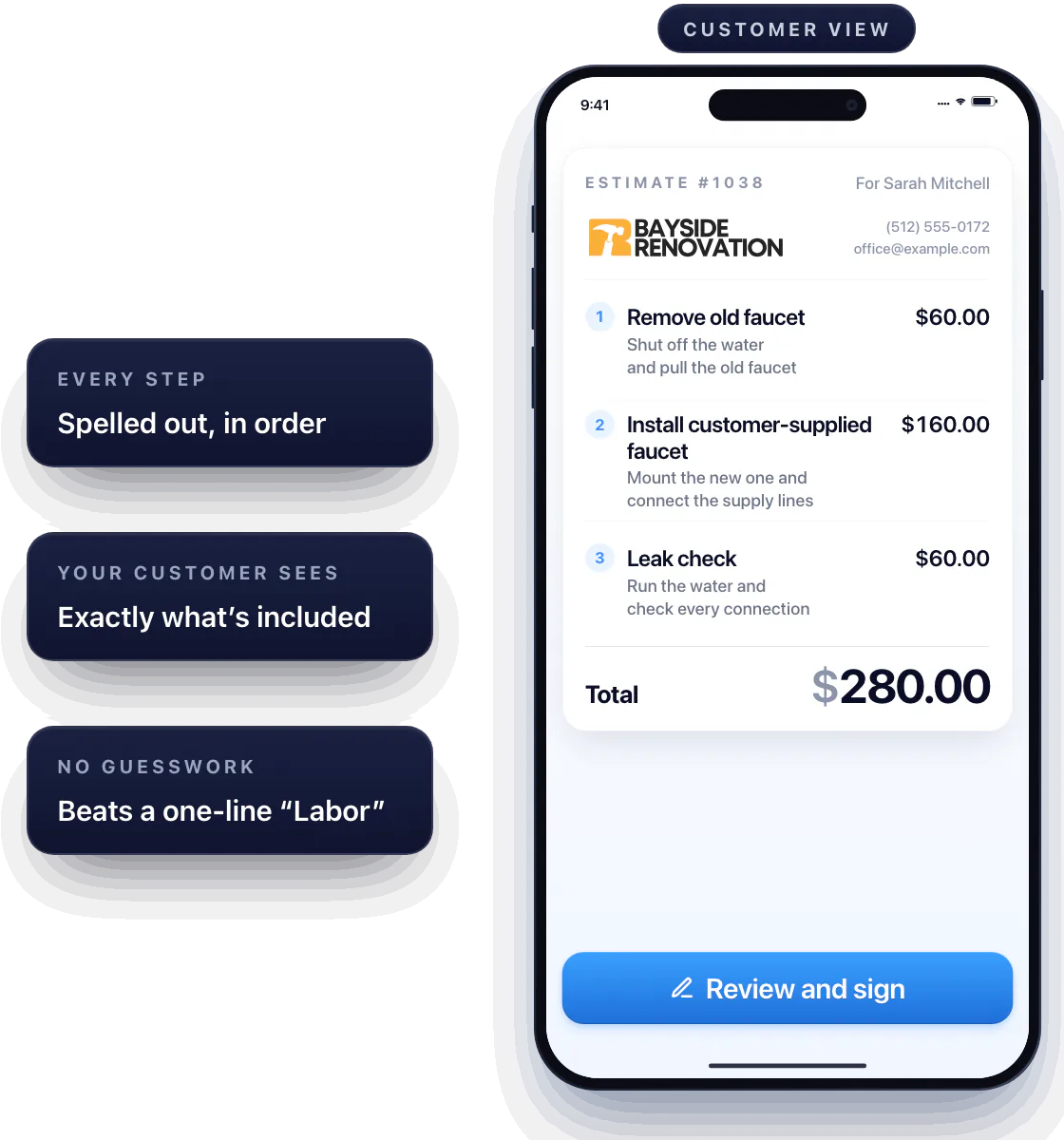
The draft isn’t one line with a number on it. It’s the job in order: shut off the water and pull the old faucet, mount the new one and connect the supply lines, run the water and check every connection — each step written out, so the customer sees exactly what’s included. Nothing left to guesswork.
That beats a one-line “Labor” every time.
Check the price before the customer does
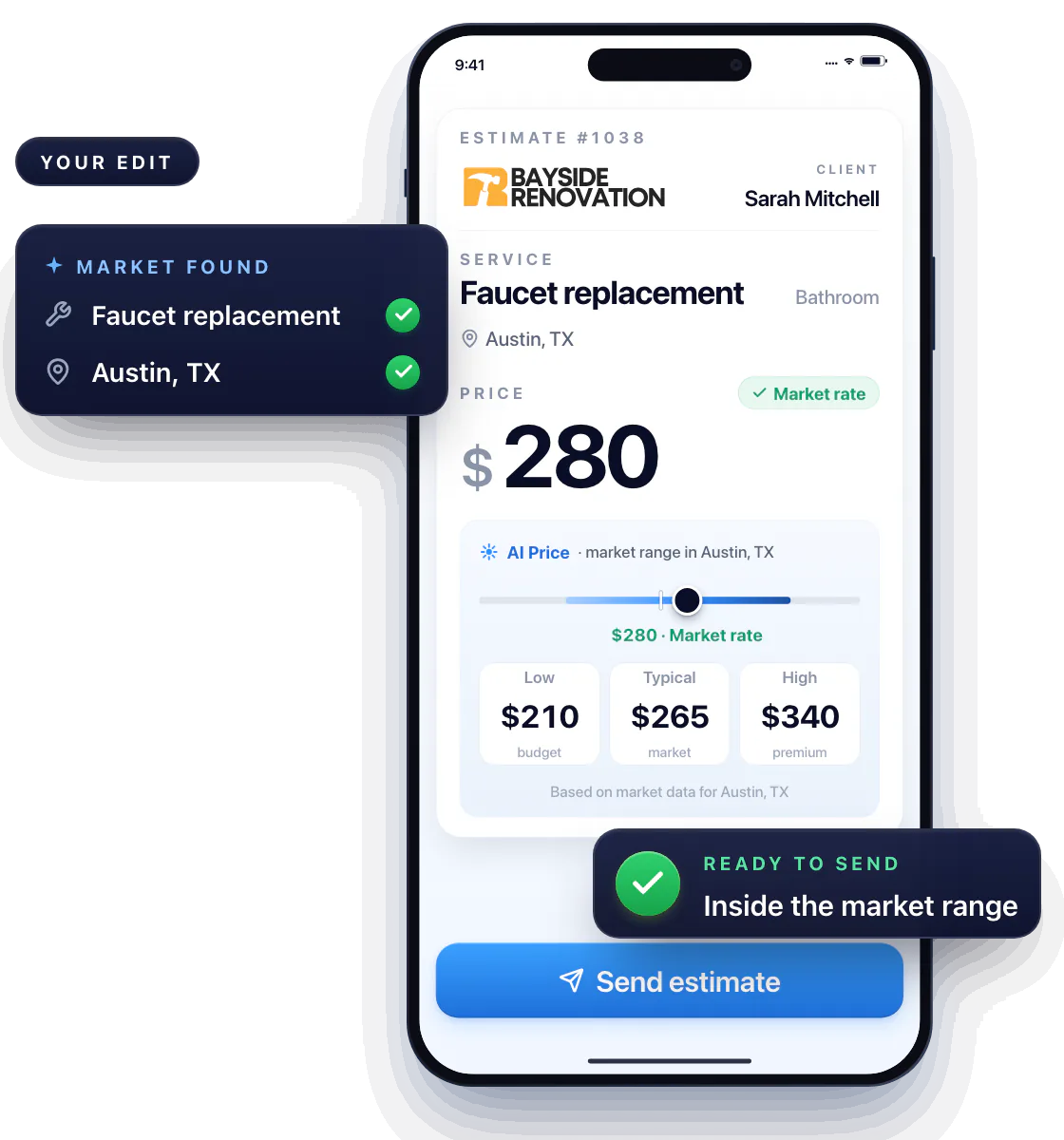
Most pros charge less than they could. Workly’s AI checks the service and your location and shows what the job should actually cost — so you don’t leave money on the table, and you don’t scare the customer off either.
Site conditions and your costs still decide the final number. Edit any line, remove what doesn’t apply, add what the description missed.
Send it, get it signed, start the job
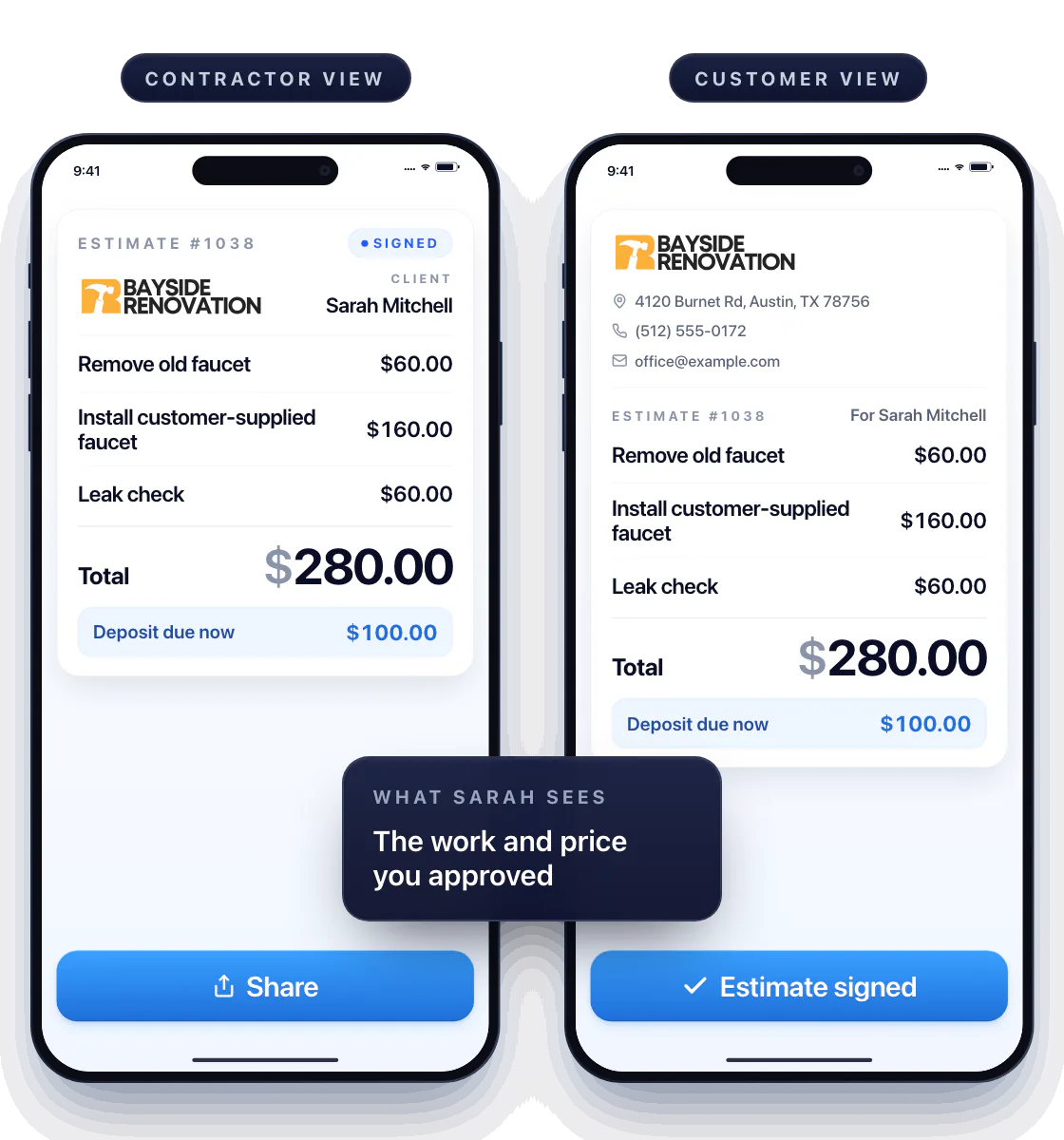
Once the draft looks like your job, send it for review and signature with your regular estimating tools. Need money up front? Request a deposit on the same estimate.
The customer sees your estimate, not the robot’s
What the customer receives is the work and the price you approved — with your business details, ready to sign.
Questions about AI estimates
Can I create an estimate from a job description?
Yes. Describe the job in a sentence or two, get a draft, and check it against the work you’ll actually do.
Can I change the suggested price?
Yes. The AI shows the market range for that service in your area; the final price is yours to set.
Does an AI estimate replace a site visit?
No. It gives you a draft and a price range. What you find on site can change the scope — update the estimate and send the version you stand behind.