
AI Tools for Contractors
Price the job right and write it up faster — while Workly answers new Thumbtack leads the moment they arrive. The AI does the typing and the market research; you keep the judgment.
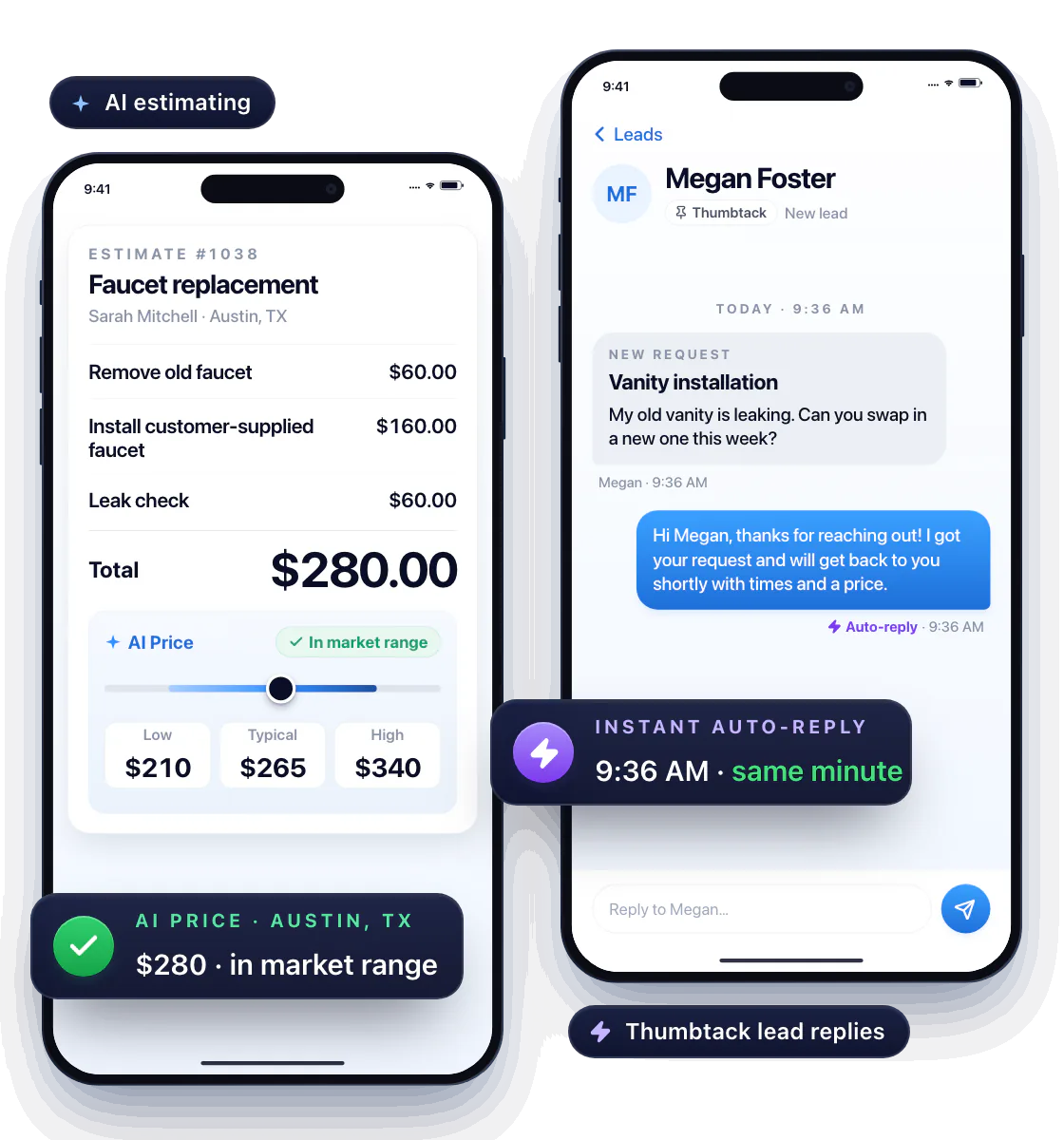
Turn a job description into an estimate draft
Describe the work in a sentence — “faucet replacement, customer supplies the fixture, check for leaks” — and get line items you can edit.
Workly’s AI also checks the service and your location and shows what the job should actually cost. The draft doesn’t just look finished — it’s priced to win the job and still make you money. See how AI estimating works →
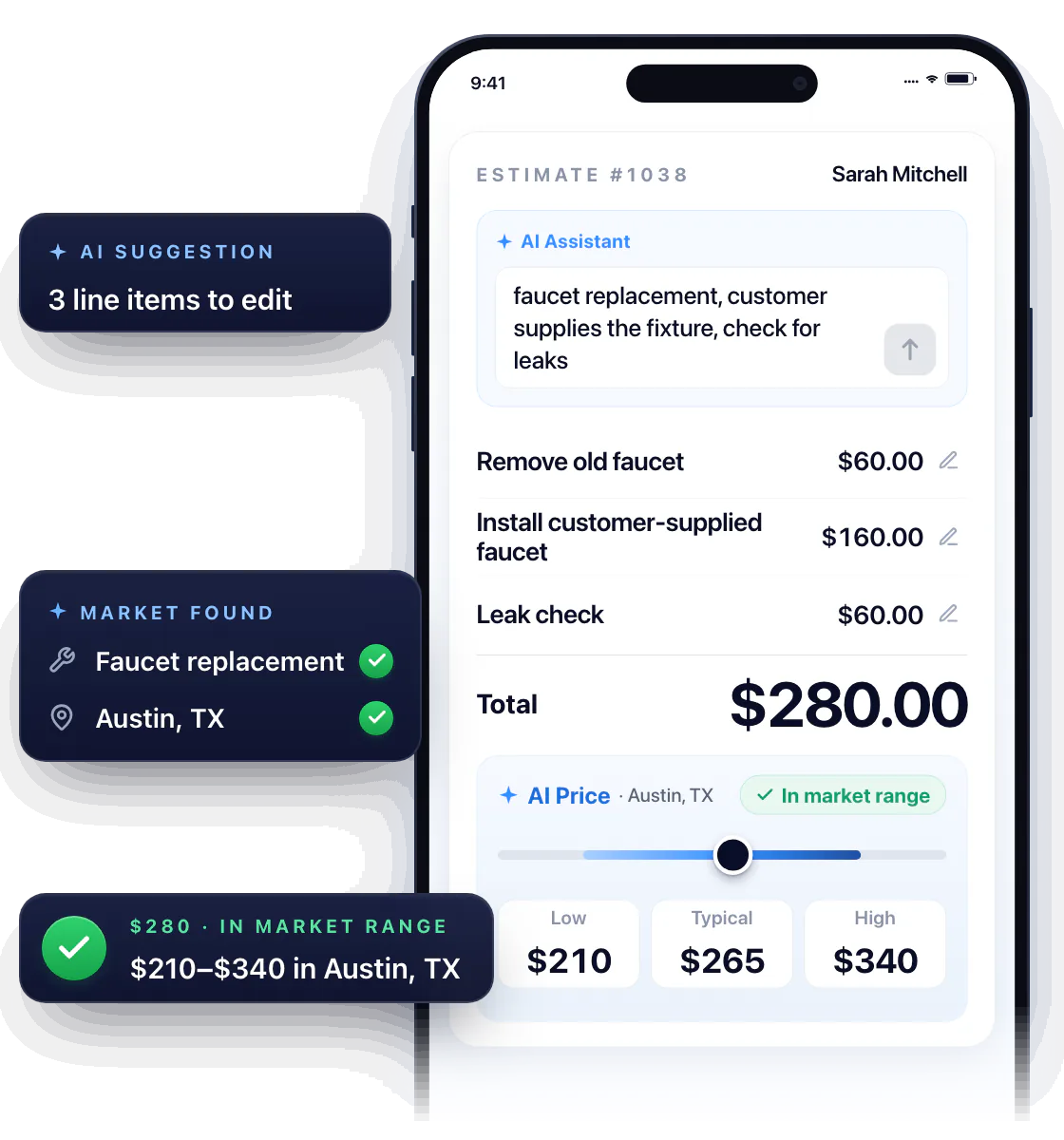
Reply to Thumbtack leads in the same minute
A lead comes in while you’re under a sink. Workly sends an instant auto-reply, so the customer hears back from you first.
When you surface, pick up the conversation yourself — send the estimate right into Thumbtack and see what the lead cost you, right next to it.
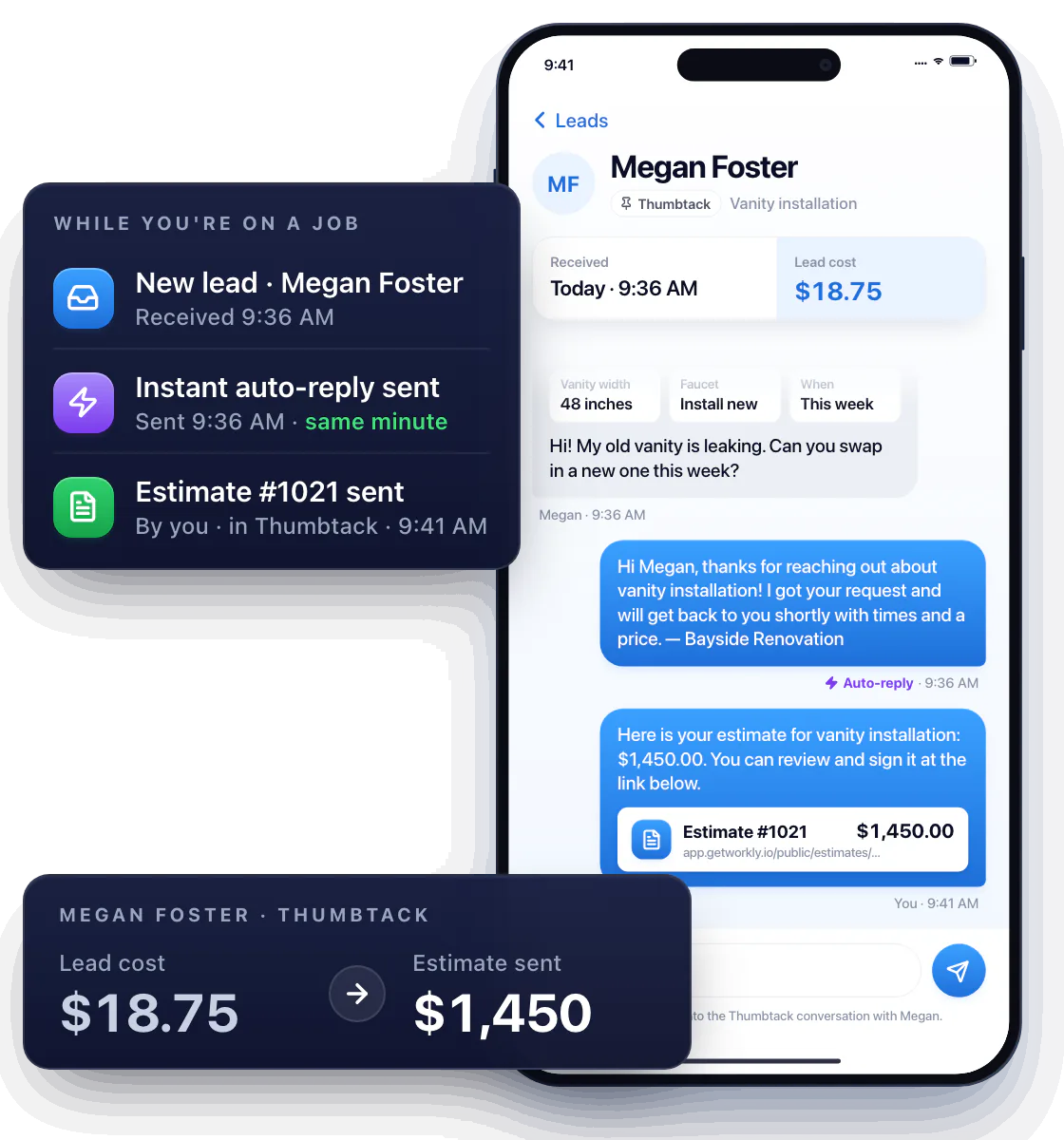
You still have the final word
The AI drafts and suggests; it hasn’t seen the crawlspace. Review the estimate before it goes out, and confirm the scope with a new lead before you book the visit.
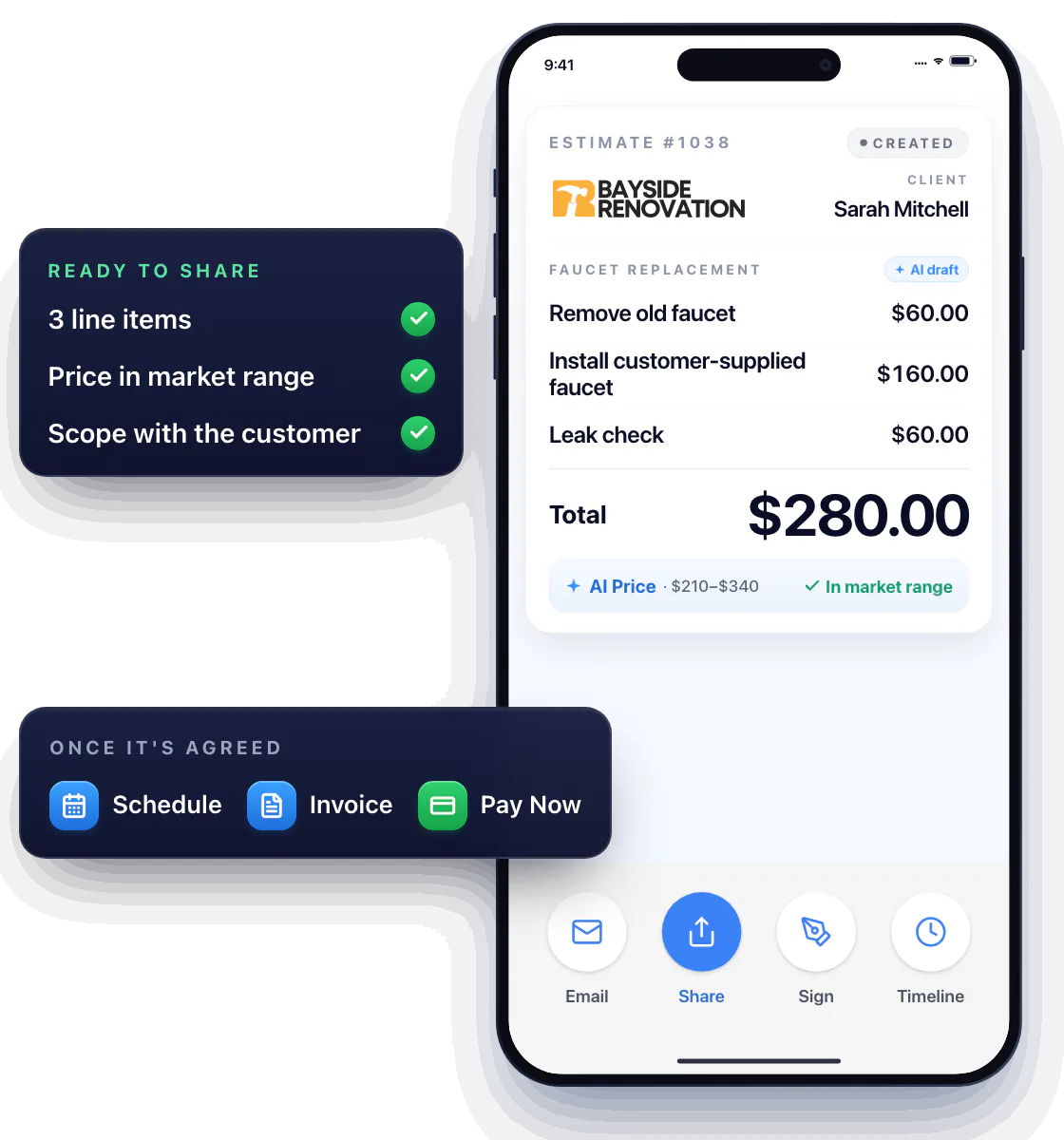
Carry the agreed job through
Once the job’s agreed, it runs through the same schedule, invoicing and payment tools as every other job — convert the estimate, send it with Pay Now, get paid.
Questions about AI tools in Workly
What can I use the AI tools for?
Two things: a price check against your local market, and a draft estimate from a short job description. Thumbtack auto-replies go out instantly on their own, no AI needed.
Does Workly answer phone calls for me?
No. The auto-replies cover Thumbtack messages; Workly isn’t a phone receptionist.
Can I still write estimates myself?
Of course. The AI is optional on every estimate — use your price book, type it yourself, or start from a draft.