
Workly Features: Everything to Run a Home Service Business
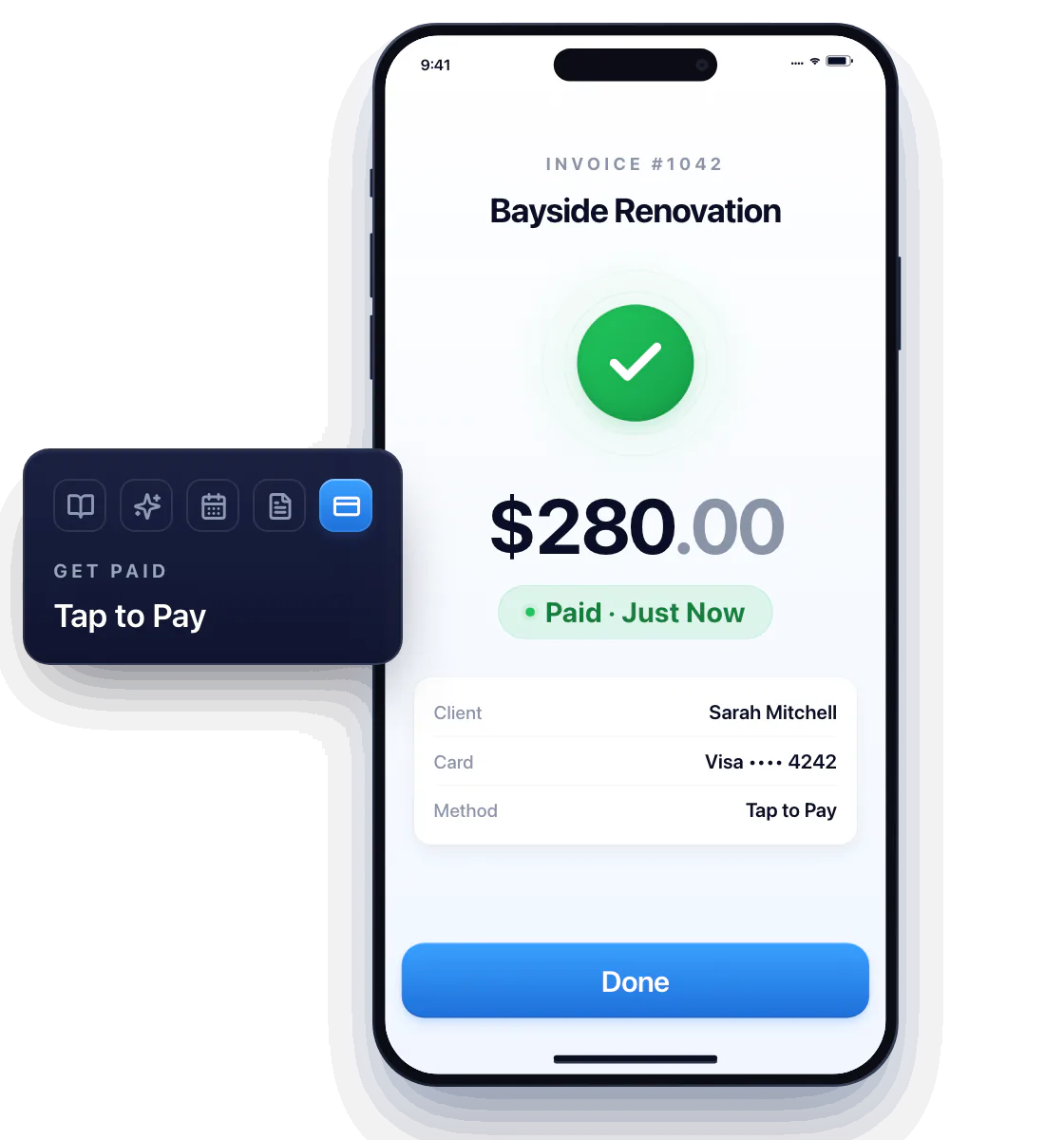
Pick the task in front of you. Solo handymen and independent service pros use Workly to price the job, plan the visits, send the invoice, and get paid — all from one app on their phone.
Win the job
Do the work
Get paid
Questions about Workly's features
Are these separate apps?
No. Every page in this section is one feature of the same Workly app: one install, one login, one place for the job and its paperwork.
Does Workly work for a one-person business?
Yes. It's built for solo handymen and independent service pros who handle the customer, the work, and the paperwork themselves.
Which feature should I start with?
Estimates. Once the customer signs one, the invoice, the payment, and the customer's history all follow from that same document.