
Simple CRM for Contractors
When a customer calls back, you already know what you did and what you charged. Every contact, address, estimate, invoice and payment sits in one record on your phone — no digging through texts, the truck, or your memory.
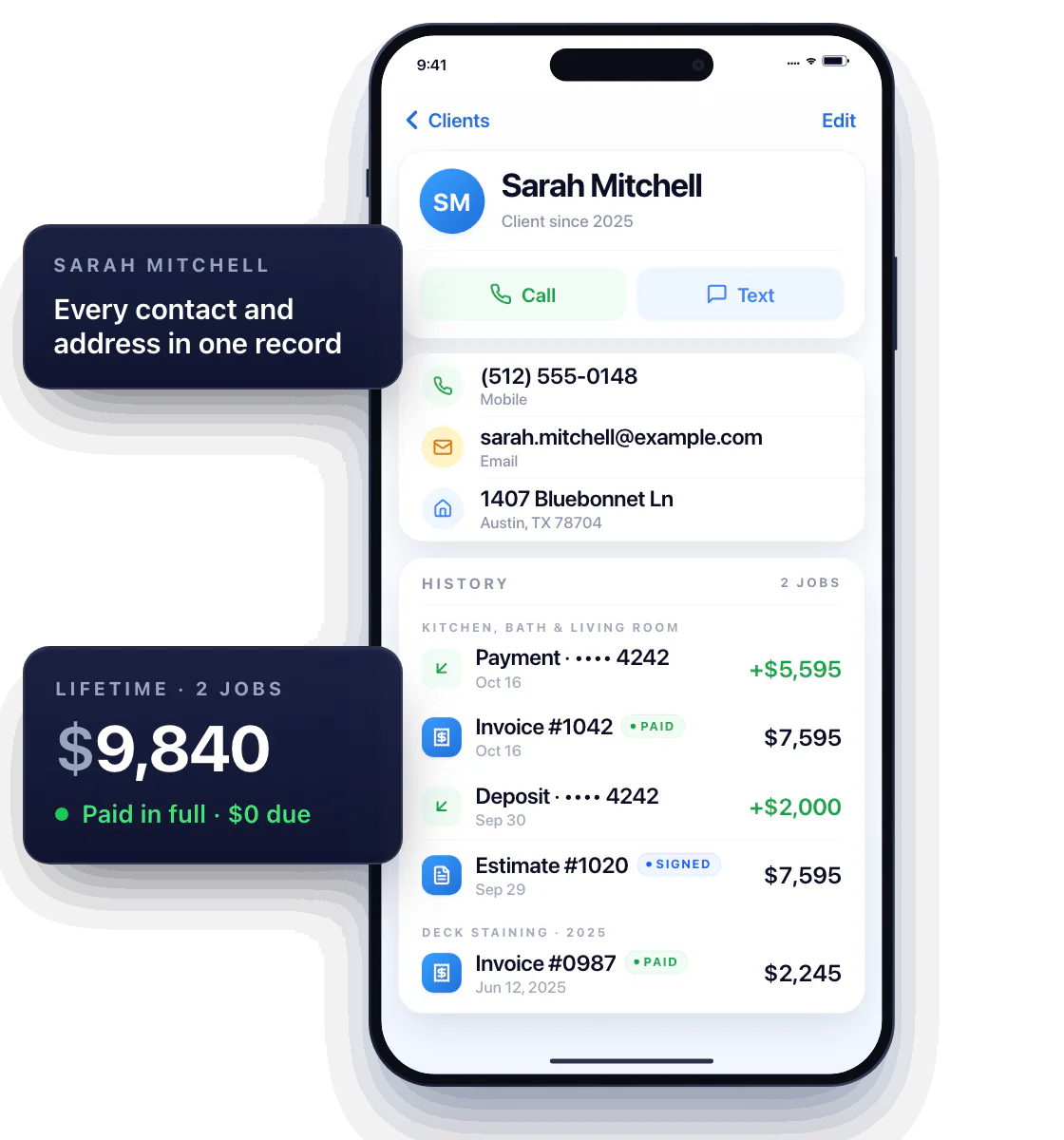
Give every customer a clear record
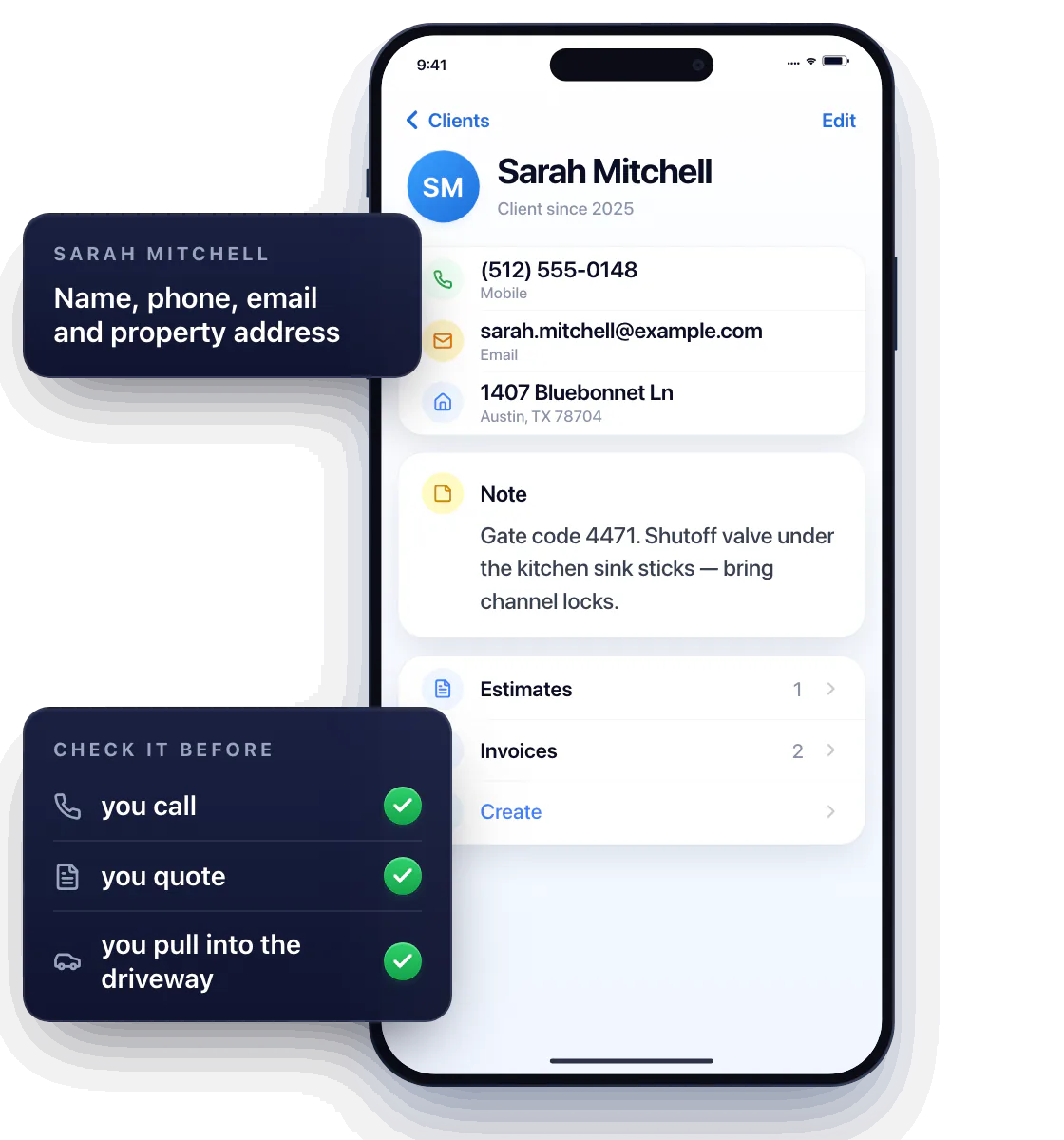
Name, phone, email, property address — plus the notes that matter: the gate code, the dog’s name, the shutoff that sticks.
Check it before you call, before you quote, and before you pull into the driveway.
The full history, not just the contact
Every estimate, invoice and payment for that customer in one timeline, with a lifetime total at the top.
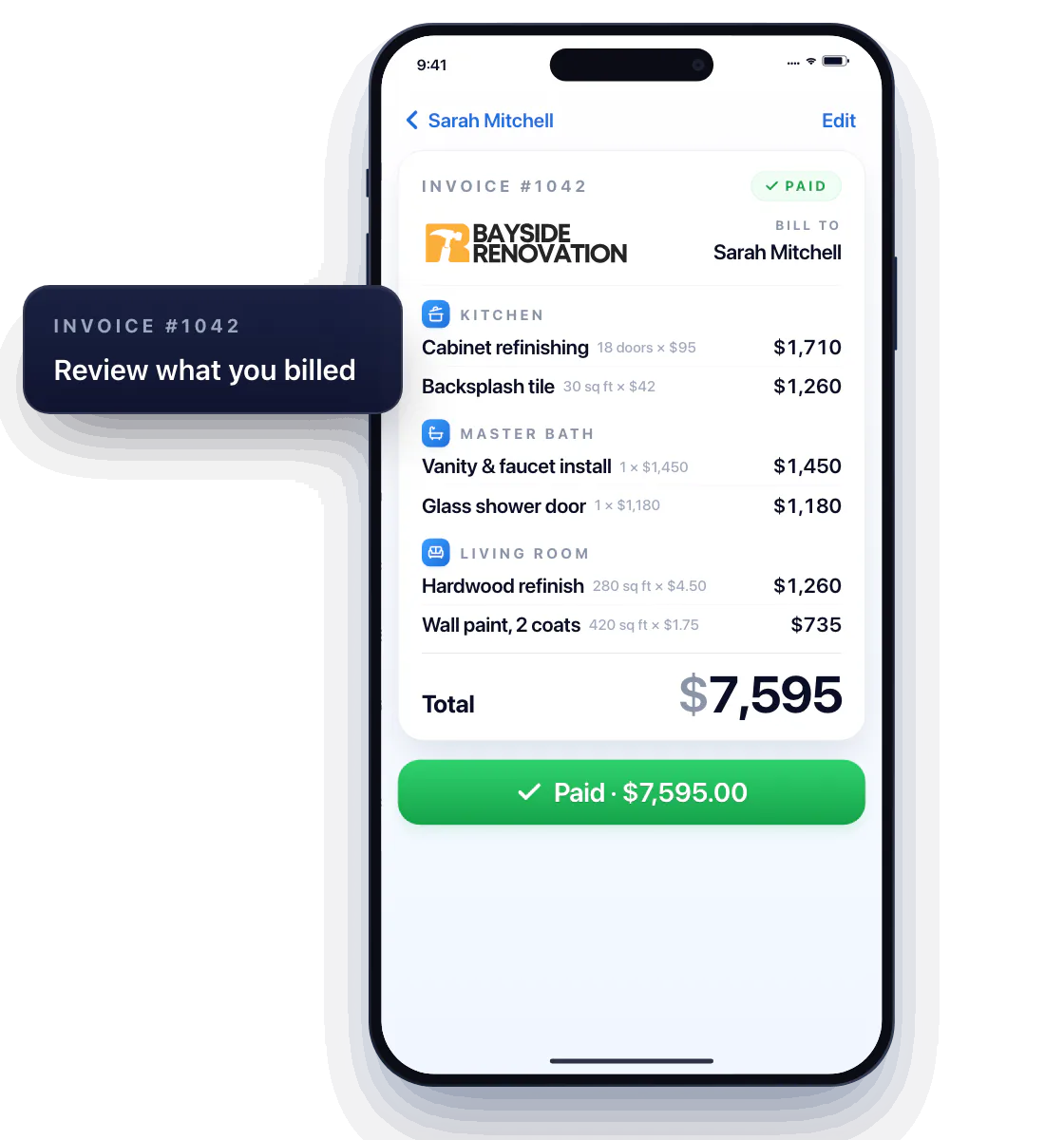
Review what you quoted or billed
Quoted the same bathroom two years ago? Open it, reuse the lines, update the price. A new scope starts from real history instead of a blank page.
Tell a new request from an old one
What’s been discussed, signed and paid is all there — so a “can you also…” becomes a new line item, not a free favor.
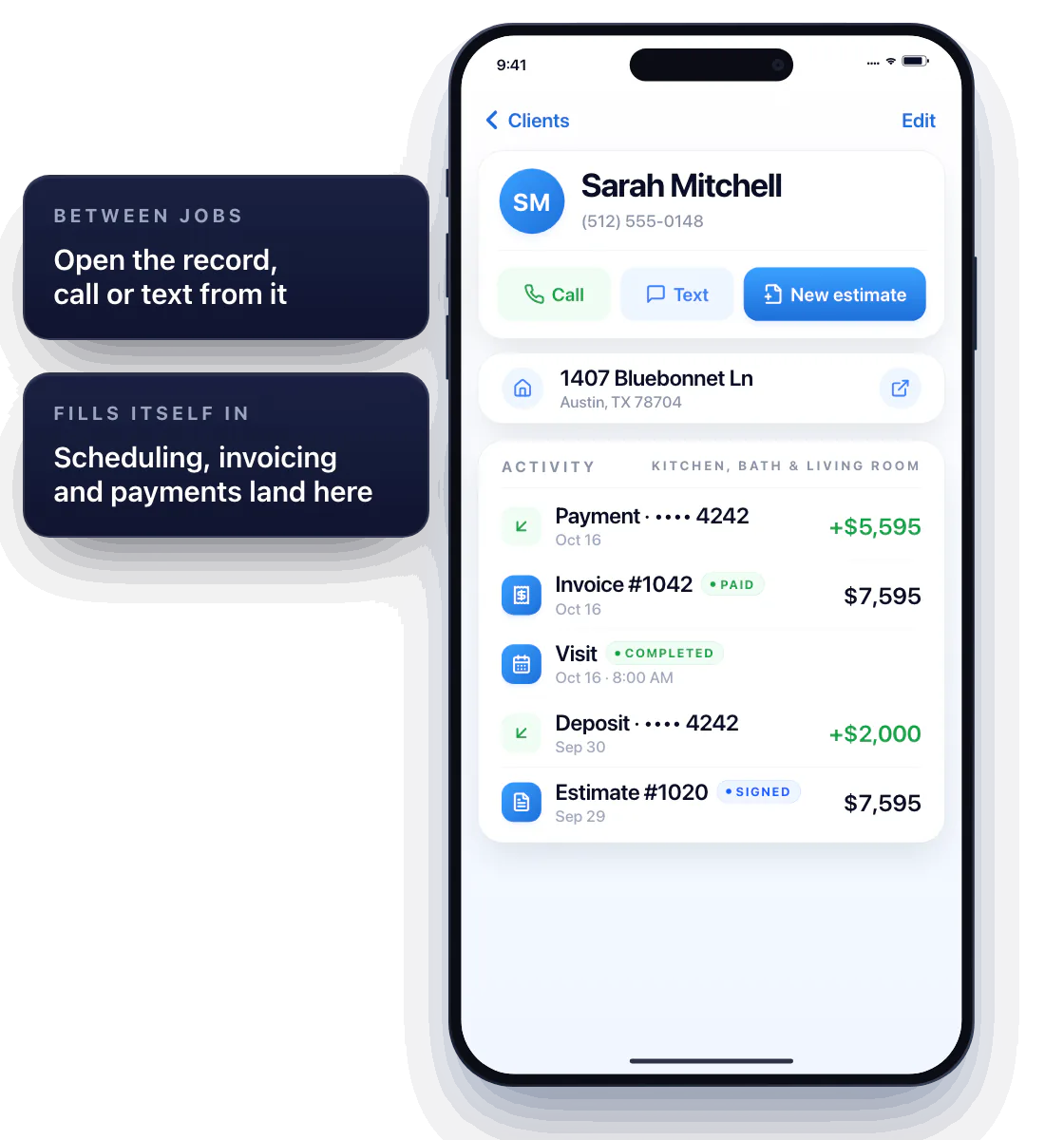
Use your client list from the field
Open the record between jobs, call or text the customer from it, and start the next estimate from the same screen.
Fit customer admin around your work
Scheduling, invoicing and payments all land in the same record — the customer’s file fills itself in as you work.
Questions about client management
Is Workly suitable for a small service business?
Yes. It’s built for solo pros who are the receptionist, the tech and the bookkeeper — one record per customer, nothing to maintain.
Can I access customer information from my phone?
Yes. Workly is a mobile app; every customer record, document and payment is in your pocket.
What should I put in a customer note?
Whatever saves you a call: gate codes, parking, which faucet they meant, what they said about the budget. Short and specific beats a paragraph.