
Review Management for Contractors
The best time to ask for a review is the minute the invoice turns Paid — and that’s exactly when Workly lets you send your review link in one tap. Google, Yelp, Thumbtack: whatever link you set, the customer gets it while the job is still fresh.
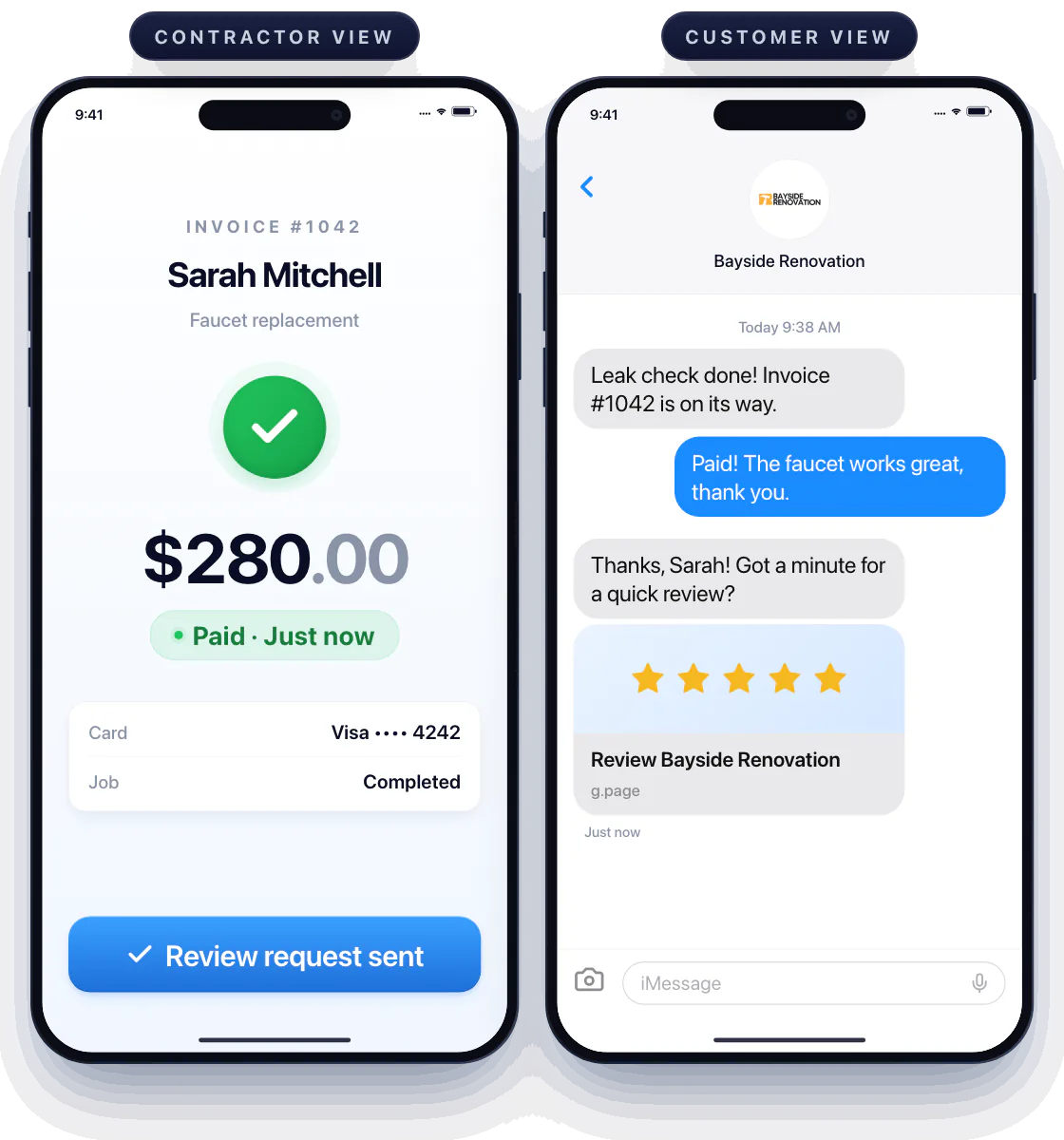
Ask while the job is fresh
The leak check is done, the invoice just flipped to Paid, the customer is happy. Tap Request a review and they get your link — Google, Yelp, Thumbtack, wherever you collect reviews — before they’ve put the phone down.
Set your link once
Paste the review link you want to grow in Workly’s settings. From then on, every paid job ends with the same one-tap ask, and you choose which customers get it.
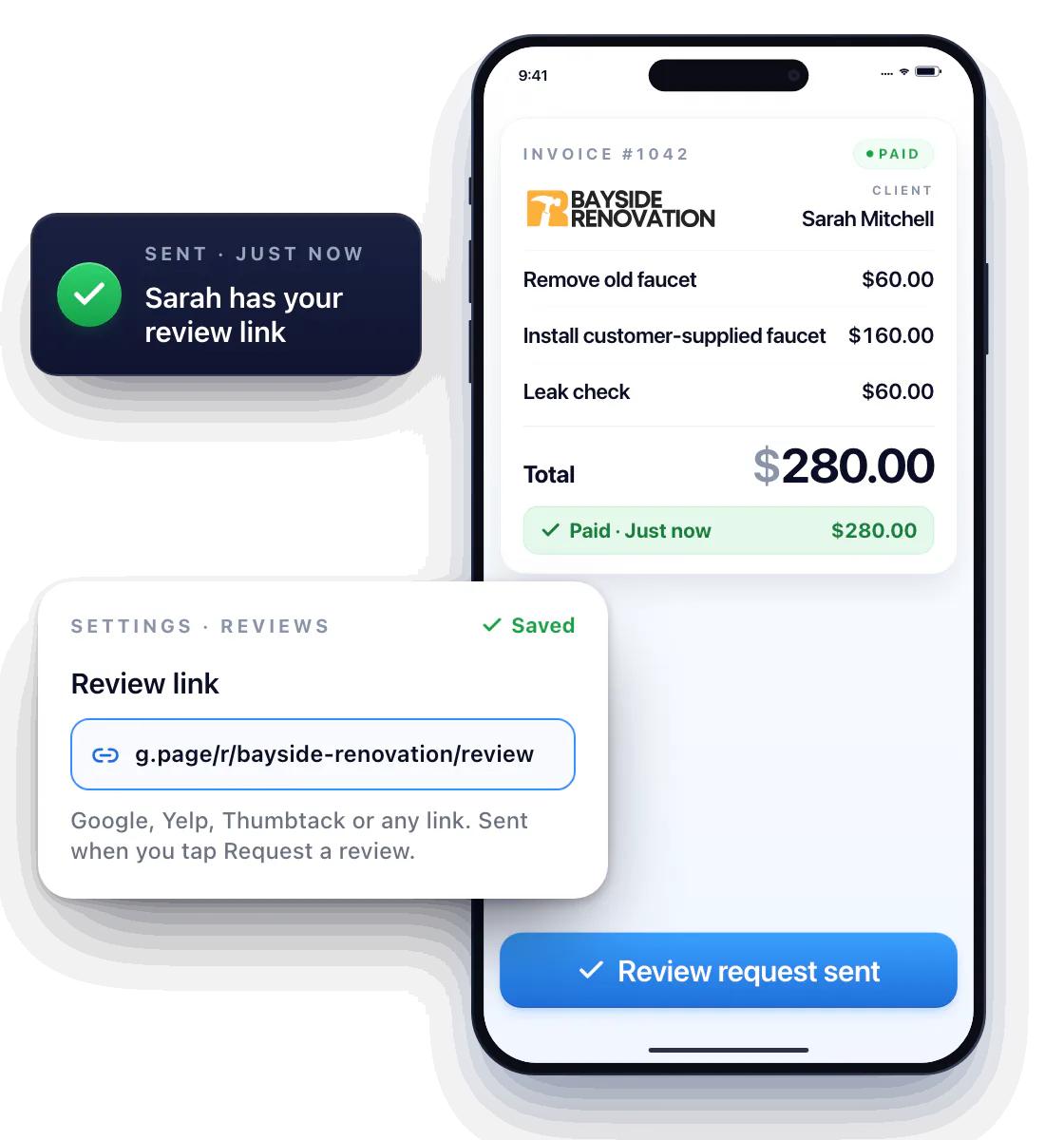
Ask for the details that get you found
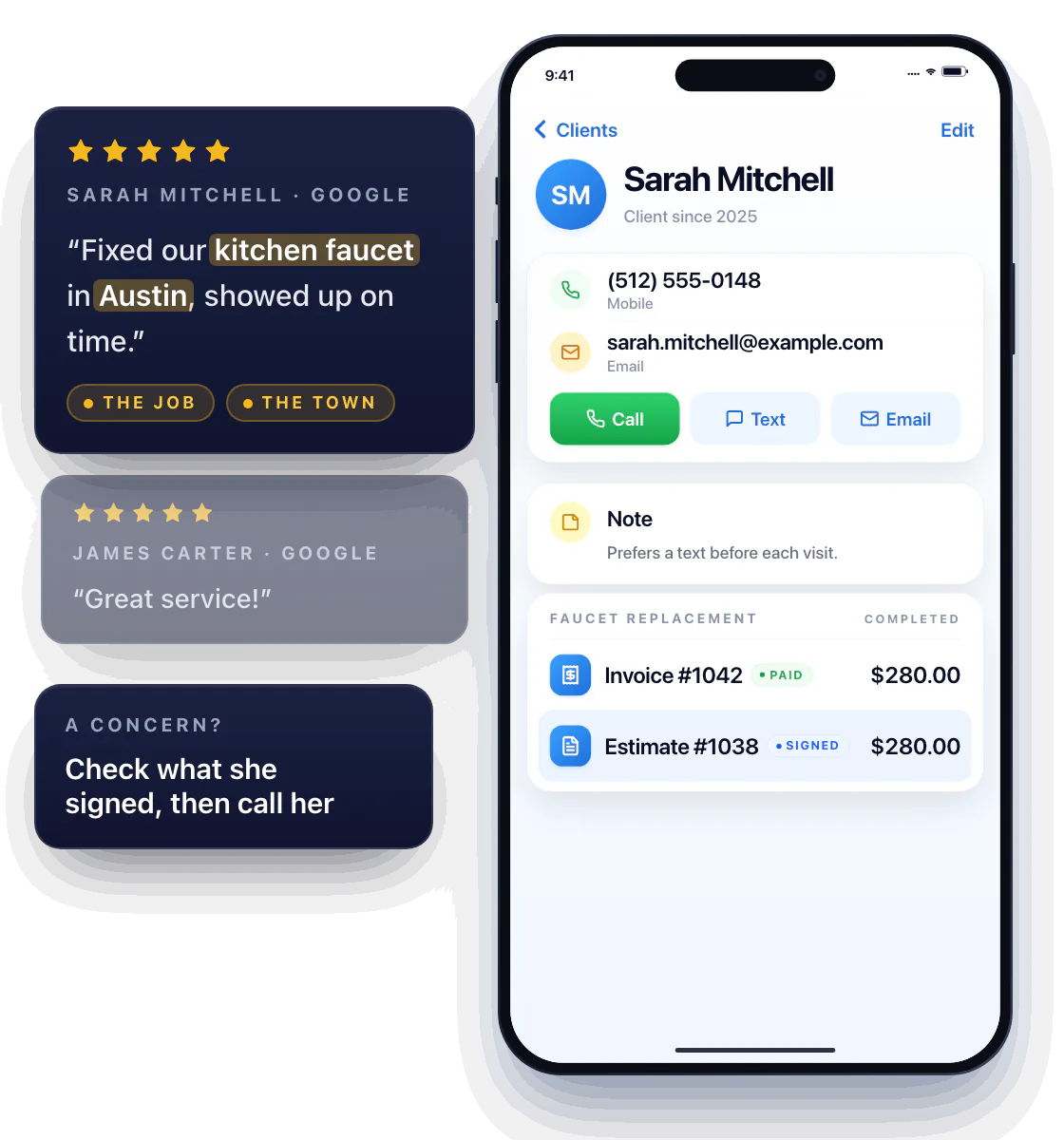
The message nudges them to say what stood out — the job and the town. “Fixed our kitchen faucet in Austin, showed up on time” does more for your Google ranking than “great service.”
A concern in a review? Open the job, check what was signed, and call the customer from their record.
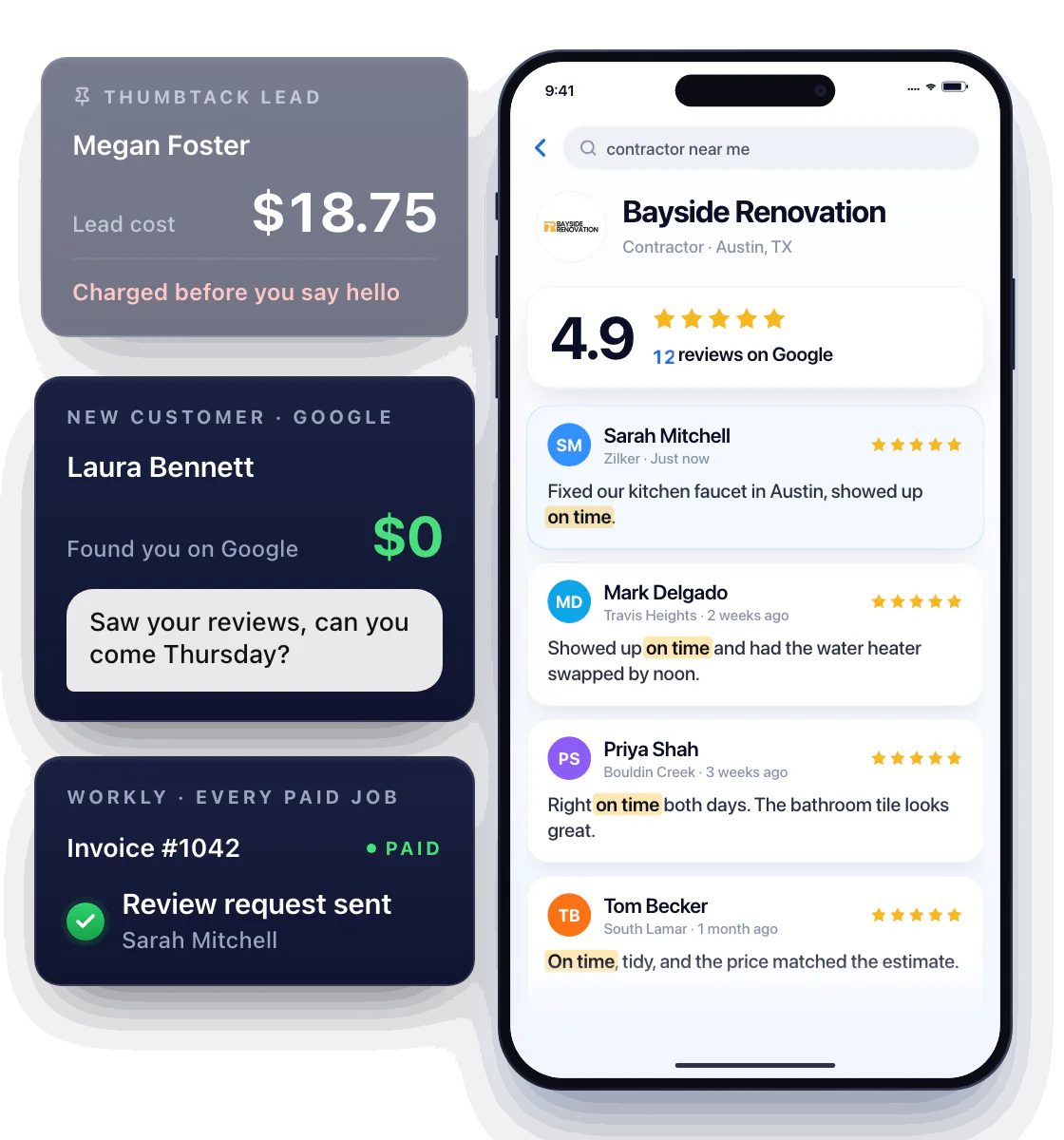
The lead you don’t pay for
A Thumbtack lead costs money before you’ve said hello. A customer who found you on Google because a dozen neighbors said you show up on time costs nothing — and arrives already convinced. Workly makes the ask a habit, so the profile grows while you work.
Questions about review management
Where does the review link go?
Wherever you collect reviews. Paste your Google, Yelp or Thumbtack link once in settings; Workly sends it to the customer after they pay.
Is the review request automatic?
You send it in one tap once the invoice is Paid, so you decide which customers to ask — and when.
Should I only ask for positive feedback?
Ask every happy customer, and ask for honest feedback. Specific comments beat steering people to a star rating — and they’re what the next customer actually reads.